
Console gaming has always sold itself on simplicity. You plug it in, you sit down, and it works. No driver updates, no hardware compatibility spreadsheets, no endless tinkering before you can play. That promise is real, and it is one of the reasons consoles survived every prediction of their death over the last two decades.
But somewhere along the way, something quietly changed.
Modern consoles did not just get more powerful. They got more configurable. Layer by layer, generation by generation, system menus filled up with options that used to live exclusively on PC. Display modes. Audio profiles. Input curves. Accessibility controls that go far beyond subtitles. The irony is that as consoles became more capable, most players touched fewer settings, not more.
Defaults became good enough. And good enough is often where curiosity goes to die.
This is not a call to turn console gaming into a technical hobby. It is an argument that some of the most meaningful improvements to how games feel, respond, and communicate information live just beneath the surface. Not in obscure developer menus, but in places most players never revisit after day one.
The Comfort of Defaults
Console defaults exist for a reason. They are tuned to offend no one. They assume an average TV in an average living room with average lighting and average play habits. That makes them safe, but safety is not the same thing as optimal.
Most players experience this without realizing it. They describe a game as feeling “floaty” or “muddy” or “hard to see sometimes,” without ever suspecting the console itself might be part of the problem. They assume the experience is fixed, that the way the game feels out of the box is the way it is meant to feel.
That assumption made sense in 2005. It makes less sense now.
The Frame Rate Awakening
For years, resolution was the headline feature. Higher numbers meant better visuals. That logic worked when frame rates were relatively stable and displays were less capable. Today, the balance has shifted.
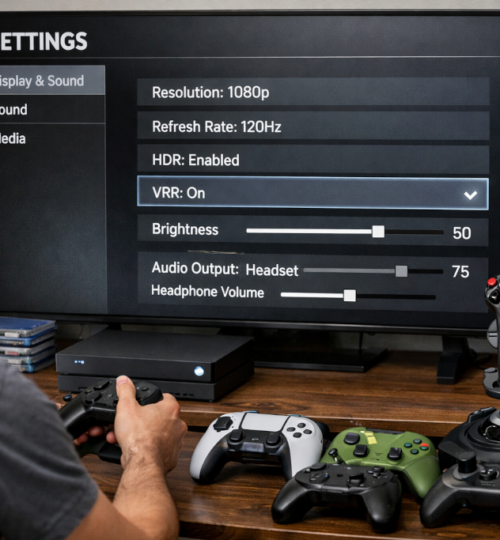
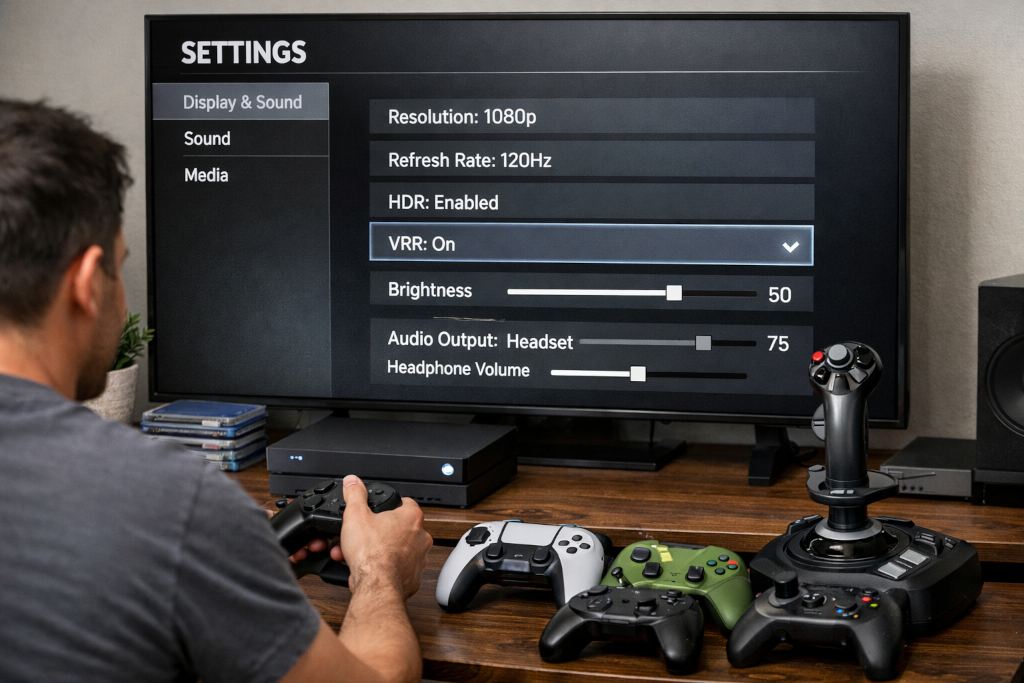
Most modern consoles offer performance-focused modes that prioritize frame rate over resolution. Many players never enable them. Some do not know they exist. Others assume the visual downgrade will be obvious and unpleasant.
What usually happens instead is subtle but powerful. The game feels more responsive. Camera movement feels cleaner. Inputs land where your brain expects them to land. After a few hours, going back feels wrong, even if you cannot immediately explain why.
The human eye adapts quickly to sharpness. It does not adapt as easily to stutter.
This is one of those changes that quietly rewires your expectations. Once you feel it, you start noticing when it is missing. And you start wondering why you lived without it for so long.
The HDR Trap
High Dynamic Range is another feature that sounds universally beneficial. Brighter highlights. Deeper contrast. More realistic lighting. In practice, HDR is only as good as the display and calibration behind it.
Many players enable HDR globally and never touch it again. They assume the console knows best. Sometimes it does. Sometimes it absolutely does not.
Poorly tuned HDR can flatten an image, obscure detail in dark scenes, or make colors feel strangely muted. Games designed around aggressive HDR lighting can become harder to read, not easier. Enemies blend into shadows. UI elements lose contrast. What was meant to enhance immersion quietly undermines clarity.
There is no shame in disabling HDR if it does not serve your setup. SDR done well often looks better than HDR done poorly. The setting exists to be evaluated, not worshipped.
The Cinematic Illusion
Motion blur, film grain, chromatic aberration. These effects exist to mimic cameras, not eyes. They are there to sell a cinematic mood, not to help you play.
In slow-paced games, they can work. In fast-moving games, they often sabotage visibility. Motion blur in particular is one of those settings players tolerate until they turn it off once and realize how much clearer everything becomes.
What is interesting is how rarely players revisit these options. They accept visual noise as part of the experience, even when it actively interferes with tracking movement and reading space. Removing it does not make games less immersive. It often makes them feel more immediate and grounded.
Sound as Information, Not Atmosphere
Audio is one of the most undervalued components of console gaming. Many players treat sound as background texture rather than a stream of information.
Console audio profiles matter more than people think. A mix tuned for TV speakers behaves very differently from one tuned for headphones. Using the wrong profile can smear directional cues, bury footsteps, or make dialogue harder to understand.
Dynamic range settings are another example. Wide dynamic range sounds impressive in theory, but in real-world environments it often leads to constantly adjusting volume. Compression is not a downgrade. It is a tool. Used correctly, it makes games more playable in shared spaces and long sessions.
Once you start thinking of audio as gameplay data rather than ambience, these settings stop feeling optional.
Controllers Are Not One-Size-Fits-All
Controllers are physical objects. Hands are different. Play styles are different. Wear and tear is different. Yet most players never adjust controller settings beyond basic sensitivity.
Dead zones alone can dramatically change how a game feels. A controller with slight wear may need larger dead zones to avoid drift. A newer controller may benefit from smaller ones for precision. Leaving this on default is convenient, not ideal.
Aim acceleration and response curves are even more personal. Some players thrive on acceleration. Others fight it constantly without realizing it is optional. There is no universally correct answer here, and that is the point. These settings exist because the default cannot fit everyone.
Vibration falls into the same category. For some, it enhances immersion. For others, it is noise. There is no rule that says you must tolerate it.
The Hidden Power of Accessibility
Accessibility settings are often misunderstood as niche features. In reality, they are some of the most universally beneficial options available.
Subtitle customization helps in noisy environments. UI scaling helps on large screens viewed from a distance. Color filters can improve contrast even for players without diagnosed color vision issues. Input remapping can reduce fatigue or strain.
These options exist because developers know that one presentation does not work for everyone. Ignoring them means opting out of solutions to problems you might not realize are solvable.
The Illusion of Critical Settings
Not every option deserves your attention. Some settings feel important but barely affect the experience. Menu animations, cosmetic UI themes, social overlays. These are fine to customize, but they will not change how games feel moment to moment.
Learning to distinguish between impactful settings and superficial ones is part of developing a more intentional relationship with your console. Not everything deserves optimization. Some things just exist to look nice.
Why Players Rarely Explore
Most players never touch these settings for simple reasons. Defaults work. Menus are dense. Terminology is vague. Nobody wants to break something by accident.
The reality is that most changes are reversible, and the risk is low. The reward, over time, is significant. An hour of experimentation can improve hundreds of hours of play.
A Console That Fits You
There is no perfect setup. There is only a setup that fits how you play, where you play, and what you care about. The goal is not to chase someone else’s ideal configuration. It is to stop assuming the factory knows you better than you know yourself.
Consoles have grown up. Their settings have grown with them. Players just have not caught up yet.
The best console settings are not secret. They are simply ignored.