
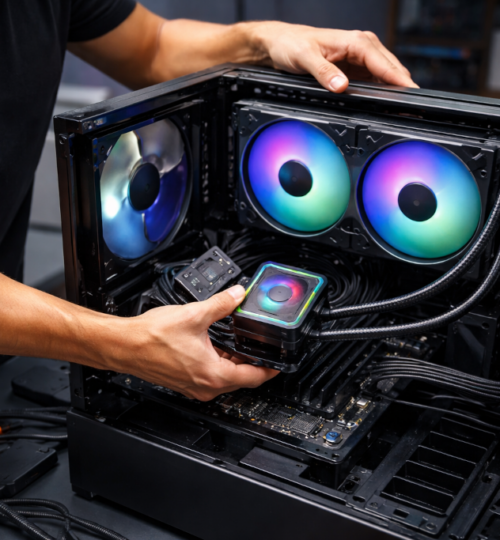
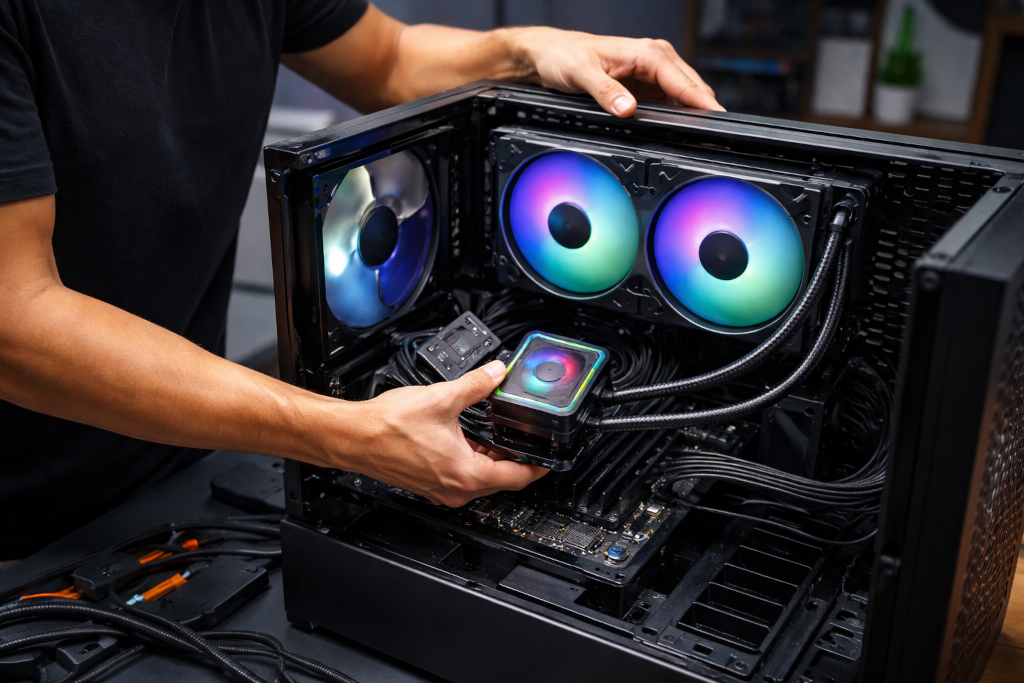
For as long as PC gaming has existed, cooling has been part of the conversation. As hardware has grown more powerful, louder, and more thermally dense, that conversation has only become more heated. Air cooling and liquid cooling are often framed as rivals, with one portrayed as modern and elite and the other as old-school and outdated. In reality, that framing causes more confusion than clarity.
The truth is that most gamers misunderstand what cooling actually does, when it matters, and how much it impacts real-world performance. The result is a lot of money spent chasing aesthetics or perceived status rather than solving actual thermal problems. This article breaks down the myths, the tradeoffs, and the practical realities of air cooling versus liquid cooling so gamers can make decisions based on facts rather than hype.
Cooling Is About Stability, Not Bragging Rights
One of the most common mistakes gamers make is assuming better cooling automatically means better performance. Cooling does not increase frame rates on its own. What it does is allow your hardware to maintain its intended performance without throttling.
Modern CPUs and GPUs are designed to boost aggressively until they hit thermal, power, or voltage limits. If a processor stays within safe temperature ranges, it will sustain higher clocks for longer periods. If it overheats, it slows itself down to protect the silicon. Cooling matters when your system is hitting those thermal limits. If it is not, then adding more cooling does nothing meaningful.
This is where many builds go wrong. Gamers install expensive cooling solutions on hardware that never runs hot enough to need them, or they install powerful CPUs into cases with poor airflow and expect cooling alone to solve the problem. Cooling does not fix bad airflow, poor case design, or unrealistic expectations.
What Air Cooling Actually Is
Air cooling relies on a simple principle. Heat is transferred from the CPU into a metal heat spreader, then into a heatsink made of aluminum or copper, and finally carried away by airflow generated by fans. Heat pipes accelerate this process by moving thermal energy more efficiently across the heatsink.
High-end air coolers today are nothing like the small stock coolers of the past. Large tower coolers with multiple heat pipes and dual fans can rival or exceed the thermal performance of many liquid coolers, especially under sustained workloads.
Air cooling has several strengths that are often overlooked:
- It is mechanically simple
- It has fewer points of failure
- It degrades slowly over time
- It performs consistently under long gaming sessions
Fans can fail, but they are cheap and easy to replace. There are no pumps, no liquid, and no sealed systems that age invisibly. A good air cooler can last across multiple builds with nothing more than occasional cleaning.
The downside is size. Large air coolers can interfere with tall RAM modules, small cases, or certain motherboard layouts. They also place significant weight on the motherboard socket, though modern mounting systems are designed to handle this safely.
What Liquid Cooling Actually Is
Liquid cooling, in the consumer gaming space, usually means all-in-one closed-loop coolers. These systems circulate liquid through a cold plate attached to the CPU, move the heat to a radiator, and dissipate it using fans.
Liquid has a higher heat capacity than air, which allows it to absorb and transport heat more efficiently over distance. This makes liquid cooling especially useful when heat needs to be moved away from tight spaces or when airflow is limited near the CPU socket.
Liquid coolers shine in specific scenarios:
- High core-count CPUs under heavy sustained load
- Small form factor cases where large air coolers do not fit
- Builds prioritizing low CPU socket temperatures
- Aesthetic-focused builds with visible components
However, liquid cooling is not magic. Radiators still rely on fans. Heat still has to exit the case. And pumps introduce a new failure point that air coolers simply do not have.
Pumps wear out. Microbubbles form. Liquid slowly permeates tubing over years. Most all-in-one coolers are designed to last several years, not decades. When they fail, replacement is usually the only option.
The Noise Myth
A persistent belief is that liquid cooling is always quieter than air cooling. This is not universally true.
Noise depends on fan quality, fan speed, case airflow, and load behavior. A high-quality air cooler with large slow-spinning fans can be extremely quiet. A liquid cooler with a small radiator and high-speed fans can be loud, especially under load.
Liquid coolers also introduce pump noise, which has a different acoustic profile than fan noise. Some people are more sensitive to pump hum or whine, especially in quiet rooms.
In practice, the quietest systems are not defined by cooling type but by thoughtful fan curves, good airflow, and realistic thermal targets.
Gaming Loads Are Not Stress Tests
Another misconception is that gaming workloads are equivalent to stress testing. They are not.
Most modern games do not fully saturate all CPU cores for long periods. They spike usage, shift loads between threads, and leave headroom for background tasks. This means CPU temperatures during gaming are often much lower than temperatures seen during synthetic benchmarks or rendering workloads.
As a result, many gamers overestimate how much cooling they actually need. A mid-range air cooler is often more than enough for gaming, even on high-end CPUs, provided airflow is adequate.
Liquid cooling shows its biggest advantages in workloads like video encoding, 3D rendering, simulation, or heavy multitasking. For gaming-only systems, those advantages are often theoretical rather than practical.
Case Airflow Matters More Than Cooling Type
One of the most overlooked factors in any build is case airflow. Cooling solutions do not operate in isolation. They depend on cool air entering the case and hot air exiting efficiently.
A high-end liquid cooler installed in a case with poor airflow will perform worse than a modest air cooler in a well-ventilated case. Similarly, adding more fans without a clear airflow path can increase noise without improving temperatures.
Good airflow follows simple rules:
- Clear front-to-back or bottom-to-top flow
- Balanced intake and exhaust
- Minimal obstructions near fans and radiators
Before upgrading cooling hardware, gamers should evaluate whether their case design is working with or against them.
Overclocking Changes the Equation
Overclocking is one area where cooling choices matter more. Increasing voltage significantly increases heat output, often exponentially. Sustained overclocks on high-end CPUs can push thermal limits quickly.
In these scenarios, liquid cooling offers more headroom, especially with larger radiators. It can absorb heat spikes more effectively and delay thermal saturation. That does not mean air cooling cannot handle overclocking, but margins become tighter.
The key is honesty. Many gamers install liquid cooling for overclocking they never actually do. Running everything at stock settings with boost enabled rarely requires extreme cooling.
Reliability and Longevity
Air cooling has an advantage that is rarely discussed: predictability over time.
An air cooler performs almost the same on day one as it does five years later, assuming it is kept clean. Liquid coolers slowly lose performance as pumps wear and coolant permeates tubing. These changes are gradual and often unnoticed until temperatures suddenly spike.
For gamers who keep systems for many years or reuse components across builds, air cooling offers long-term peace of mind. Liquid cooling offers flexibility and performance, but at the cost of eventual replacement.
The Aesthetic Factor Is Real and Valid
Cooling decisions are not purely technical. Many gamers choose liquid cooling because they like how it looks. RGB lighting, clean socket areas, and visible tubing all play a role in modern build culture.
There is nothing wrong with this. A build you enjoy looking at is a build you enjoy using. The problem arises when aesthetics are confused with necessity.
Liquid cooling is not inherently superior. It is a tool with strengths and weaknesses. Choosing it for looks is valid. Choosing it because you think air cooling is outdated is not.
What Gamers Should Actually Ask Themselves
Instead of asking which cooling method is better, gamers should ask better questions:
- Is my CPU actually thermal throttling during real use
- Does my case have good airflow
- Am I prioritizing noise, longevity, size, or aesthetics
- Do I plan to overclock seriously or run heavy workloads
Answering these honestly leads to better decisions than following trends.
The Bottom Line
Air cooling and liquid cooling are not enemies. They are solutions to different problems.
Air cooling offers simplicity, reliability, and excellent performance for the vast majority of gaming systems. Liquid cooling offers flexibility, aesthetic appeal, and advantages under specific high-load scenarios.
What gamers get wrong is assuming there is a universal winner. There is not. The best cooling solution is the one that matches your hardware, your workload, your case, and your expectations.
In a space where marketing noise often drowns out practical advice, understanding the fundamentals goes a long way. Cooling is not about chasing extremes. It is about keeping your system stable, quiet, and enjoyable to use, which is what gaming PCs are meant to be in the first place.