
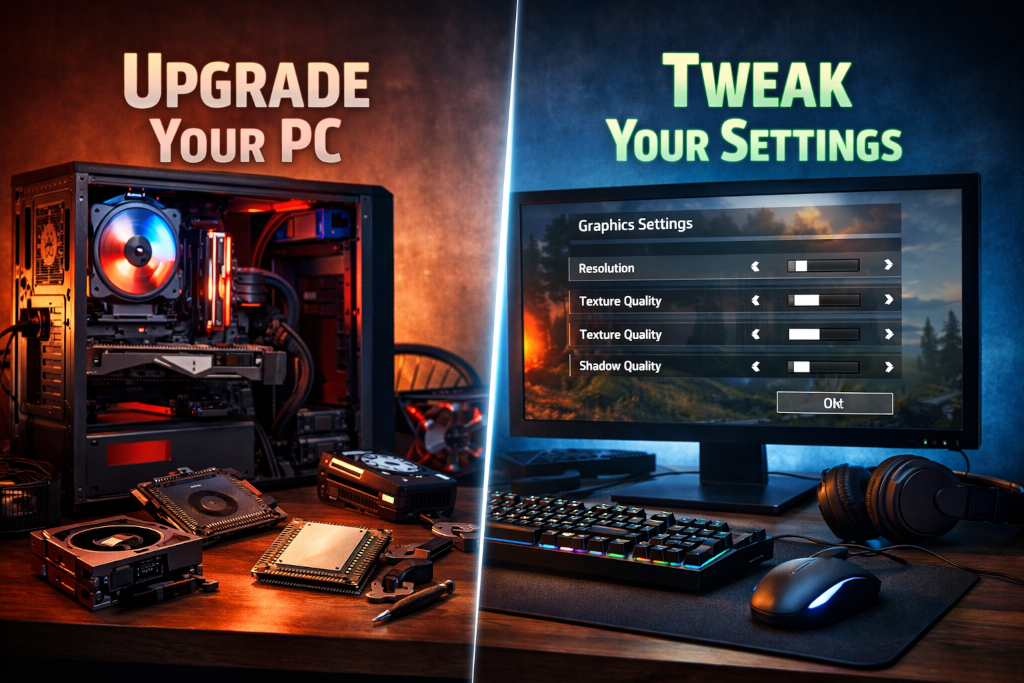
PC gaming has always lived at the intersection of performance, customization, and choice. Unlike consoles, a gaming PC is never truly finished. It evolves. Sometimes that evolution requires new hardware. Other times it simply requires a better understanding of how games actually use the hardware you already own.
One of the most common questions we see from players is deceptively simple: should I upgrade my PC, or should I just change some settings? The honest answer is that most gamers reach for their wallet far earlier than they need to. Modern games are complex, scalable, and often poorly understood at the settings level. At the same time, there are moments where no amount of tweaking will overcome a genuine hardware bottleneck.
Knowing the difference saves money, frustration, and time. This guide breaks down how to tell when your system needs new parts and when smarter configuration is all that is required.
The Illusion of “Needing” an Upgrade
Game marketing does not help. New releases highlight recommended specs, ultra presets, and cinematic trailers captured on top-tier machines. Performance discussions online often assume that anything below max settings is unacceptable. That mindset creates pressure to upgrade even when real-world gameplay would be perfectly smooth with small adjustments.
Many PC gamers upgrade reactively instead of diagnostically. A game stutters, frame rate dips, or visuals look worse than expected, and the conclusion becomes “my PC is outdated.” In reality, the problem is often a single setting, driver issue, or mismatch between resolution and hardware capability.
Before assuming hardware is the problem, it helps to understand how games distribute workload across your system.
How Games Actually Use Your Hardware
Most modern games do not stress your entire system equally. Performance bottlenecks usually fall into one of four categories.
GPU Limited Scenarios – If your graphics card is running at or near 100 percent usage while your CPU usage is relatively low, the game is GPU bound. This is common at higher resolutions, with high texture quality, advanced lighting, shadows, and post-processing effects.
In these cases, lowering a handful of visual settings can produce massive gains with minimal visual sacrifice.
CPU Limited Scenarios – If one or more CPU cores are maxed out while the GPU is underutilized, the game is CPU bound. This often happens in large multiplayer matches, simulation-heavy games, open worlds with many NPCs, or titles with poor multithreading support.
CPU bottlenecks are harder to solve with settings alone, but there are still options before upgrading.
Memory and Storage Constraints – Insufficient RAM or slow storage can cause hitching, long load times, and texture pop-in rather than low frame rates. Many players misinterpret these symptoms as GPU failure when the real issue is memory pressure or a mechanical hard drive.
Engine and Optimization Limits – Sometimes performance issues are not your fault at all. Poorly optimized games, shader compilation stutter, or bugs can cause issues even on high-end hardware. Upgrading does nothing here.
Understanding which category you are in is the first step to making the right decision.
When Tweaking Settings Is Enough
In many cases, adjusting a few options delivers better performance than a costly upgrade.
You Are Chasing Ultra Settings
Ultra presets are rarely designed for balanced performance. They exist to showcase what is possible, not what is practical. Many ultra settings increase GPU load dramatically while providing minimal visual improvement during actual gameplay.
Settings that often have a high performance cost with low visual payoff include:
- Volumetric fog and lighting
- Ultra shadow quality and distance
- Screen-space reflections
- Motion blur and film grain
- Excessively high ambient occlusion settings
Dropping these from ultra to high or medium often increases frame rate by 20 to 40 percent with little impact on visual clarity.
If your only complaint is that you cannot run ultra at native resolution, you almost certainly do not need an upgrade.
Your Frame Rate Is Inconsistent, Not Low
Inconsistent frame pacing often feels worse than a lower but stable frame rate. This is frequently caused by background processes, overlays, or mismatched sync settings.
Things to check before upgrading:
- Disable unnecessary startup programs
- Turn off unused overlays
- Match in-game refresh rate to your monitor
- Use in-game frame limiters instead of driver-level caps
- Ensure your power plan is set to high performance
Many systems regain smoothness simply by eliminating interruptions rather than increasing raw power.
You Are Playing at a Resolution Beyond Your GPU’s Comfort Zone
Running modern games at 1440p or 4K dramatically increases GPU load. If your card was originally designed for 1080p gaming, lowering resolution or using resolution scaling often solves performance issues instantly.
Technologies like dynamic resolution scaling, image reconstruction, or temporal upscaling allow games to maintain visual sharpness while reducing internal rendering load. These tools are often overlooked and are far cheaper than a new GPU.
Your Drivers and OS Are Not Optimized
Outdated or corrupted drivers cause performance issues that mimic hardware limitations. A clean driver install, firmware update, or operating system cleanup can restore lost performance.
If you have not done a clean GPU driver install in years, that should happen before any hardware purchase.
When Hardware Upgrades Make Sense
There are situations where tweaking cannot overcome physical limitations.
Your Hardware No Longer Meets Minimum Requirements
If a game struggles to run even at low settings and low resolution, your system may genuinely be below the minimum supported level. This is common with very old CPUs, GPUs with insufficient VRAM, or systems limited to 8 GB of RAM.
At this point, no amount of tweaking will deliver a good experience.
You Are CPU Bottlenecked in Modern Games
Older CPUs with fewer cores often struggle in newer titles that rely on parallel processing. Symptoms include:
GPU usage stuck below 70 percent
Frame rate drops during combat or large scenes
Poor performance regardless of resolution or graphics settings
If lowering resolution does not improve performance, the CPU is likely the limiting factor. Upgrading the graphics card alone will not help.
You Want Higher Refresh Rate Gaming
If you are targeting 120 Hz or 144 Hz gameplay, especially in competitive titles, hardware requirements increase significantly. Tweaking settings helps, but there is a point where the CPU and GPU must both be capable of sustaining high frame rates.
For players focused on smoothness rather than visuals, CPU upgrades often matter more than expected.
Your Storage Is Actively Holding You Back
Games are increasingly designed with fast storage in mind. Long load times, texture streaming issues, and traversal stutter are common on older hard drives.
Upgrading to an SSD or NVMe drive is one of the most noticeable quality-of-life improvements and often more impactful than upgrading a GPU.
The Hidden Middle Ground: Selective Upgrades
Upgrading does not always mean rebuilding your entire system.
RAM Upgrades – Moving from 8 GB to 16 GB, or from slow memory to faster memory supported by your platform, can resolve stuttering and improve consistency without touching other components.
Storage Upgrades – As mentioned, storage is a silent bottleneck. A simple drive upgrade can make an aging system feel new.
Cooling and Power Stability – Thermal throttling often masquerades as poor performance. Dust buildup, aging thermal paste, or insufficient airflow can reduce performance dramatically.
Improving cooling or replacing a power supply nearing the end of its lifespan can restore lost performance without replacing core components.
Understanding the Cost-to-Benefit Ratio
Every upgrade should answer a simple question: what problem am I solving?
If the answer is “I want a number to be higher” rather than “I want smoother gameplay” or “I want to eliminate stutter,” you may be upgrading for the wrong reason.
Small, targeted improvements often provide better value than chasing the newest hardware generation. This is especially true during periods of inflated prices or limited availability.
A Practical Upgrade Decision Checklist
Before upgrading, ask yourself:
- Does lowering resolution or graphics settings improve performance?
- Is my GPU or CPU consistently maxed out?
- Are my drivers and OS fully updated?
- Am I experiencing stutter or low average frame rate?
- Is the issue specific to one game or many?
If tweaking resolves the issue, save your money. If the same limitations appear across multiple games despite optimization, an upgrade may be justified.
Why This Matters for the PC Gaming Community
PC gaming thrives on flexibility and longevity. Systems are meant to grow, adapt, and evolve alongside the games we play. Understanding when to optimize and when to upgrade helps players stay engaged without unnecessary spending.
It also preserves the spirit that made PC gaming communities thrive in the first place. Sharing knowledge, benchmarks, and configuration tips often helps more players than simply listing new hardware recommendations.
As games continue to scale across a wide range of systems, informed players will always have the best experience, regardless of budget.
Final Thoughts
Upgrading your PC is exciting. Tweaking settings is not. But one is not inherently better than the other. The smartest gamers know when each approach is appropriate.
If your system can still deliver smooth gameplay with thoughtful configuration, there is no reason to replace it. When hardware truly limits the experience, upgrading becomes an investment rather than an impulse purchase.
Understanding that balance is part of what makes PC gaming enduring, adaptable, and worth investing in for the long haul.