
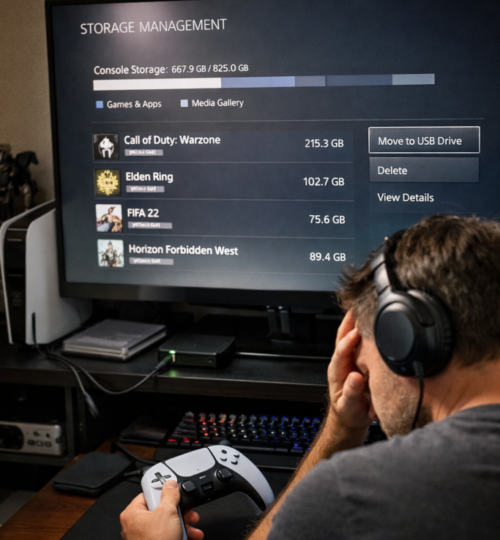
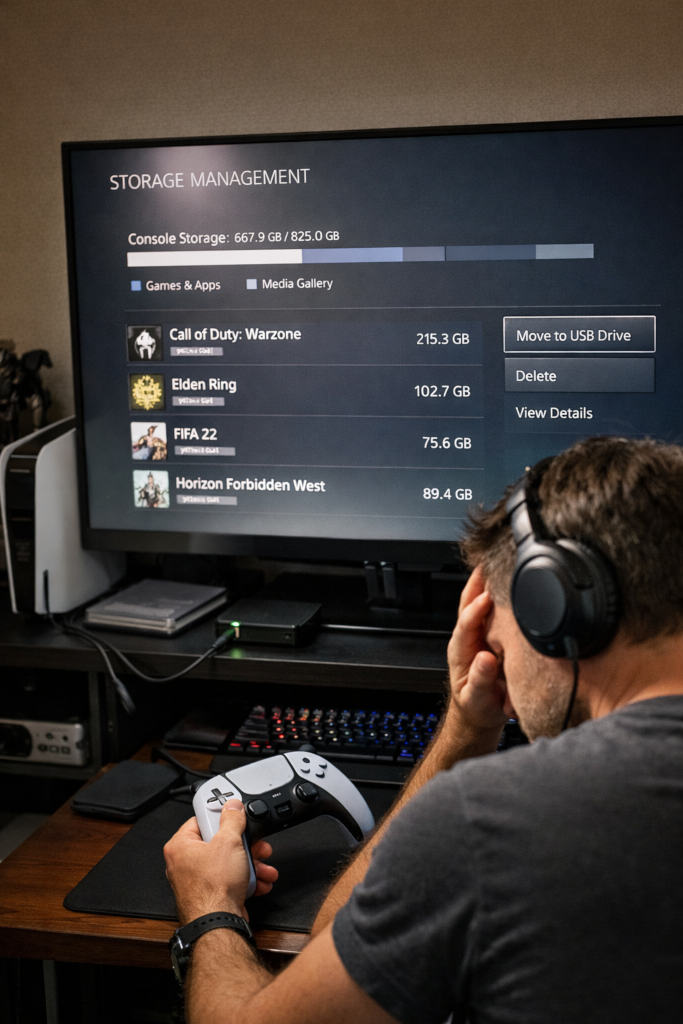
There’s a new reality of console storage going on. There was a time when buying a new console felt simple. You plugged it in, installed a few games, and settled into the comforting illusion that storage was something you would worry about later. That illusion does not last long in modern gaming. Today, a single major release can consume a shocking chunk of your internal drive, and that is before texture packs, campaign files, multiplayer modules, patches, language packs, captures, and whatever seasonal content is waiting around the corner.
For console players, SSDs have improved load times, streaming speed, and overall responsiveness in ways that older hard drives never could. Fast storage has helped define the current generation. But the downside is obvious the moment your library starts growing. Game installs are larger, updates are heavier, and free space disappears faster than most people expect. Storage management is no longer background housekeeping. It is part of actually living with a console.
The real problem starts with expectations. A console may look roomy on paper, but the number on the box is not the same as the space you actually get to use. System software takes its share, reserved space takes its share, and then your installed library begins carving out the rest. A few giant releases, a couple of live service games, some media apps, and suddenly you are bargaining with your own storage like it is rent week.
Why Games Feel Bigger Than Ever
This hits hardest with players who rotate between genres. Maybe you keep a competitive shooter installed because your group jumps into it nightly. You also want a big open-world RPG waiting for your solo time, a sports game for casual sessions, and a racing title for quick bursts. Add one or two games with constant updates and your SSD starts feeling less like a library and more like a panic room. The issue is not simply that games are large. It is that modern players rarely live inside one game at a time.
Some of the worst offenders are not even large because of one clean, focused campaign. They are large because they have become platforms inside platforms. Ongoing service games often bundle multiple modes, shared asset packs, cinematics, and huge update cycles. In some cases, the install is not just one game anymore. It is an ecosystem that keeps expanding over time.
That is where many players get trapped. You are not just storing games. You are storing the modern shape of gaming itself, where one title can behave like a launcher, a social hub, a seasonal event space, and a content warehouse all at once.
Stop Treating Every Installed Game as Active
The first rule of surviving 200GB-era gaming is simple. Stop treating every installed game as an active game.
A lot of players keep titles installed because deleting them feels like losing access to them. But on modern consoles, especially with decent internet and digital libraries, the smarter mindset is to think in terms of an active roster. Not every game deserves a permanent slot on your fastest storage. Some games are daily drivers. Some are weekend games. Some are games you swear you will get back to, but realistically will not touch for two months. Those three categories should not be handled the same way.
Your active roster is the small group of games you are genuinely playing right now. Those get priority on internal SSD space or approved fast expansion storage. Your bench is made up of games you still care about, but not every day. Those can be moved off the fastest space if your platform allows it, or simply deleted with the expectation of reinstalling later. Your archive is the graveyard of good intentions, finished campaigns, and “I might return someday” installs. Those do not get premium storage just because nostalgia says they should.
This sounds obvious, but most storage frustration comes from failing to make those distinctions. People try to keep everything ready at once, and modern consoles punish that habit immediately.
Learn What Actually Needs to Stay Installed
The second rule is to understand what really has to stay on the drive in full. Not every game has to remain installed in its largest possible form. Some games let you remove campaign content after finishing it. Others let you skip high-resolution assets, extra languages, or specific modes. Competitive players should pay attention here. If you only play multiplayer, there is no reason to give your SSD the burden of content you will never launch.
The difference between a bloated install and a trimmed one can be the difference between keeping one more major title available at all times. It is easy to overlook this because many players still install everything by default, but the modern storage fight is often won through selective cuts rather than dramatic purges.
There is also a mindset shift hidden here. Players used to think of a game as one complete object. Increasingly, games are modular. Treating them that way gives you more control and a lot less frustration.
Expansion Storage Is No Longer a Luxury for Heavy Players
The third rule is to stop thinking of storage expansion as optional if you are a heavy player. For some people, the stock setup is enough. If you mostly play a few games at a time and finish one before starting the next, you can manage just fine with disciplined uninstall habits. But if you are the kind of player who lives across multiple genres, keeps a social rotation, uses subscriptions, and samples new releases often, you are probably already past the point where extra storage makes sense.
That does not mean everyone needs to rush out and buy the largest expansion available. But it does mean modern storage should be seen as part of the console experience, not an unusual add-on for extreme users. The moment your gaming habits include variety, frequent updates, and a rotating social circle, space becomes part of the cost of convenience.
Players often spend a lot of time comparing frame rates, headsets, controllers, and displays while treating storage as a boring afterthought. In practice, storage may affect day-to-day quality of life more than half the accessories people obsess over.
The Psychological Weight of a Full SSD
There is also a mental side to all of this. The bigger games get, the more players drift toward anxiety-driven storage habits. You start planning your week around downloads. You hesitate to try something new because reinstalling an old favorite later feels like a project. You keep giant games on the drive “just in case,” even if that caution blocks you from actually exploring the rest of your library. Storage pressure subtly narrows how you play.
The answer is not to become obsessive. It is to become intentional.
If you play one evergreen game with your friends every week, that game earns permanent residence. If you are in the middle of a single-player epic, keep it installed until credits roll. If a seasonal game demands frequent updates but you only return every few months, it may belong on the bench, not the active roster. This kind of decision-making turns storage from a constant irritation into a manageable rotation.
It also helps to be honest about your own habits. Many players do not really suffer from a lack of space. They suffer from a reluctance to let go of installs they are not using. Those are not the same problem.
Internet Speed Changes the Strategy
Storage management is not identical for everyone because internet conditions matter. For some players, deleting and redownloading is trivial. For others, data caps, slower connections, or peak-hour congestion make every reinstall a nuisance. In those cases, local storage matters even more, and expansion becomes easier to justify.
The smartest setup is not universal. It depends on how fast you can recover a deleted game, how often you revisit older installs, and how much friction you are willing to tolerate. A player with fast unlimited broadband can treat reinstalling as a minor inconvenience. A player with slower speeds or monthly caps has to think much more carefully about what stays and what goes.
That difference matters because it changes what good storage management even looks like. Efficiency is not just about maximizing free space. It is about minimizing regret.
Bigger Games Are Changing How We Play
Another wrinkle is that not every huge game is huge for the same reason. Some titles are big because they are packed with assets and modes. Others lean more heavily on streaming, updates, or live content delivery. Either way, the effect on players is similar. Storage friction shapes what people keep installed, what they are willing to revisit, and which games remain socially active in a friend group.
A game that is easy to keep around has an advantage. A giant install that demands a storage sacrifice every time may lose spontaneity, even if it is excellent. In an age of crowded libraries and constant updates, convenience has become part of retention. That has real consequences for gaming communities, especially ones built on players hopping in and out of shared experiences.
When the barrier to rejoining a game is a huge download and a chunk of premium SSD space, some players simply do not come back. Storage is no longer just a hardware issue. It has become a quiet force in community participation.
Managing Storage Is Part of Modern Gaming
That is why storage management deserves more respect than it gets. It is not glamorous, but it directly affects the rhythm of modern gaming. It determines how quickly you can jump into a match, whether a friend can convince you to reinstall something old, and how much of your library feels alive versus buried.
Surviving 200GB-era console gaming is not about hoarding every possible terabyte or turning your dashboard into a sterile minimalist shrine. It is about understanding your own habits, knowing which games actually earn permanent space, and using storage as a tool instead of letting it become a constant annoyance. The SSD age has made consoles faster than ever. It has also made discipline more valuable than ever.
And for a lot of players, that means the real next-gen skill is not loadout management, map knowledge, or build optimization. It is knowing what to delete before the next patch hits.