
There was a time when a PC game library lived on a single hard drive. If your storage filled up, you uninstalled something. If your system failed, you hoped your saves were backed up somewhere. Your gaming identity was tied closely to one machine sitting under your desk.
That model has changed.
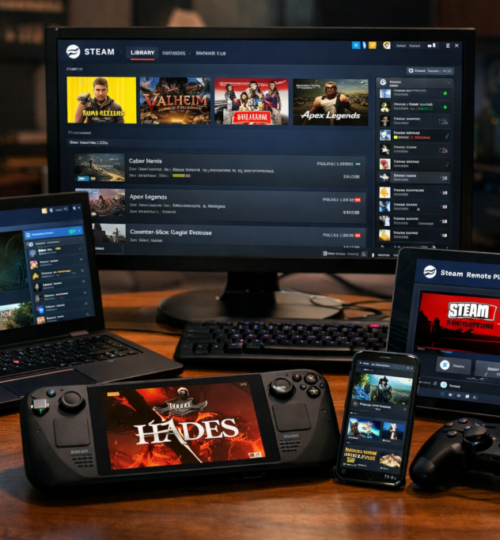
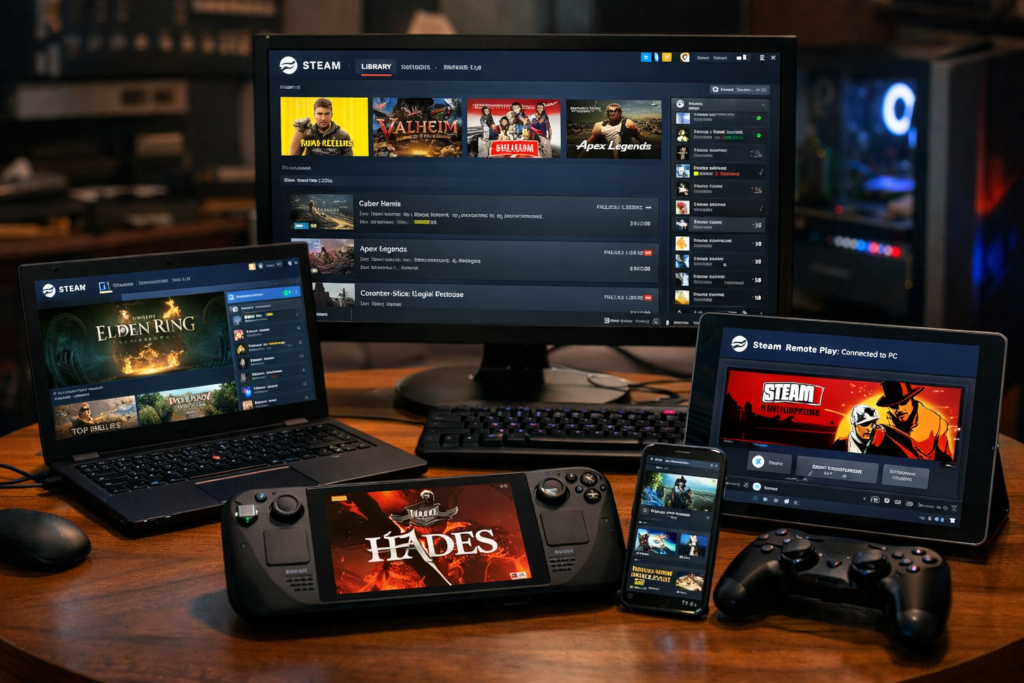
Today, PC gaming exists in a hybrid environment of local installs, cloud saves, streaming services, remote play, cross device sync, and portable hardware. Your Steam library is no longer just a collection of files. It is a flexible ecosystem that can follow you across desktops, laptops, handheld PCs, and even streaming devices.
Optimizing your Steam library for the cloud era is not about abandoning local performance. It is about understanding how cloud tools, streaming infrastructure, and storage strategies can work together to make your library more resilient, accessible, and future ready.
The Shift from Hardware Bound to Account Bound
Modern PC gaming revolves around your Steam account more than your physical machine. Your purchases, achievements, friends list, and in many cases your saved progress are linked to your account identity.
Steam Cloud allows many supported games to synchronize save files automatically. When configured properly, this means you can install a game on a second machine and resume from where you left off. For players who move between a desktop and a laptop, or between a tower and a handheld device, this has become essential.
However, not every game supports cloud saves. Some older titles store progress locally in custom directories. Others allow cloud saving but limit file size. If you are restoring legacy titles or revisiting games from the mid 2000s, it is worth verifying whether Steam Cloud is enabled and functioning correctly.
A practical first step in optimization is auditing your library. Identify which games use Steam Cloud, which do not, and where local save files are stored. For non cloud titles, consider creating a manual backup routine using file synchronization software or a versioned backup service.
In a cloud driven environment, data redundancy is not optional. It is part of responsible digital ownership.
Storage Strategy in a Growing Library
Steam libraries grow quickly. With frequent sales and large modern file sizes, it is easy to accumulate hundreds of gigabytes of content. The cloud era does not eliminate local storage concerns. It changes how we manage them.
Steam allows multiple library folders across different drives. This enables a tiered storage approach:
- High speed NVMe SSD for competitive or frequently played titles
- Secondary SSD for mid priority games
- Large capacity HDD for archival installs
- External drives for overflow or portable setups
When combined with fast internet, this strategy becomes flexible. Instead of keeping every title installed, you can treat your library as a streaming catalog. Install what you are actively playing and uninstall the rest, knowing that reinstallation is often faster than it was a decade ago.
If you have access to high bandwidth and stable connections, download times are less of a barrier. If you do not, local archival installs may still be valuable.
Optimization in this context is about balancing three factors:
- Local performance
- Internet speed
- Storage capacity
No single setup works for everyone. A competitive player focused on low latency will prioritize local installs. A more casual player with fiber internet might treat Steam as an on demand library.
Steam Cloud Saves and Their Limits
Steam Cloud is a powerful feature, but it is not magic.
Some games restrict the amount of data that can be stored in the cloud. Others may sync only certain files. Mods, custom configurations, and community created content often live outside the cloud sync structure.
If you use extensive mod setups in sandbox games, simulation titles, or strategy games, you should assume that your mod directory may not be cloud protected. In those cases, periodic backups to external drives or cloud storage providers can prevent frustration later.
It is also wise to verify that synchronization has completed before shutting down a system. Steam typically indicates cloud activity in the downloads section. Interrupting a sync mid process can create version conflicts.
Advanced users sometimes maintain versioned backups of key save folders. This is particularly helpful for long running campaigns or persistent multiplayer communities where progress represents years of effort. In a cloud optimized workflow, your library is portable but your responsibility remains.
Streaming and Remote Play
Cloud gaming is no longer theoretical. It exists in multiple forms. Steam Remote Play allows you to stream games from your main PC to another device on your local network or across the internet. This means your high powered desktop can act as a personal cloud server. A lower powered laptop or even a mobile device can stream gameplay without running the game natively.
The benefits are clear:
- Access to your full performance profile from secondary devices
- No need to install large files on every machine
- Centralized hardware investment
However, streaming quality depends heavily on network stability and latency. For competitive shooters or fast reaction games, local installation may still provide the most consistent experience.
Beyond personal streaming, broader cloud gaming services allow games to run on remote servers entirely. While not tied exclusively to Steam, the existence of these services reinforces the shift toward hardware independence.
When optimizing your Steam library, consider which titles benefit from streaming and which demand local precision. Strategy games, turn based titles, and narrative experiences often tolerate streaming latency well. Competitive multiplayer games usually do not.
The Rise of Portable PC Gaming
Handheld PCs have redefined portability in the Steam ecosystem. Instead of maintaining separate console libraries, players can access their Steam purchases on compact devices designed for mobility. In this model, cloud saves become critical. Transitioning between a desktop and a handheld device without losing progress depends on reliable synchronization.
Optimization here includes:
- Reducing install sizes where possible
- Managing shader caches
- Ensuring cloud sync is active
- Adjusting graphics presets for portable hardware
A well organized library makes portable gaming seamless. A cluttered one introduces friction.
Players who frequently switch between environments benefit from standardizing key bindings and graphical profiles across devices. Consistency reduces cognitive load and keeps the experience smooth.
Managing Legacy Titles in the Cloud Era
For communities restoring historical leaderboards or revisiting older competitive titles, cloud optimization includes preservation. Many older PC games were not designed with cloud infrastructure in mind. Their save systems may rely on local directories, registry entries, or third party services that no longer exist.
If you are maintaining interest in legacy games, consider:
- Backing up install directories
- Preserving patches and update files
- Documenting configuration steps
- Archiving community tools
Cloud optimization is not only about convenience. It is about durability. A restored leaderboard loses meaning if players cannot reliably maintain access to the titles that created it. Preservation in the cloud era means combining modern sync tools with archival discipline.
Security in a Connected Environment
As libraries become account centric and cloud integrated, account security becomes foundational. Two factor authentication through Steam Guard is essential. Using strong unique passwords and enabling mobile authentication reduces the risk of account compromise.
Because your Steam account now represents access to potentially thousands of dollars in software, it should be treated with the same seriousness as financial credentials.
If you participate in community trading, marketplace transactions, or competitive environments, security is not optional. A compromised account can mean lost items, lost progress, and lost trust. Cloud optimization is incomplete without security optimization.
Bandwidth and Data Awareness
Cloud gaming depends on connectivity. Understanding your network environment is part of optimizing your Steam library. If you live in an area with data caps, frequent large downloads can have financial implications. Scheduling downloads during off peak hours or managing auto updates can reduce unnecessary bandwidth consumption.
Steam allows update scheduling and bandwidth limits. Configuring these settings prevents background updates from disrupting active gameplay or saturating shared household connections.
Players with limited bandwidth may prefer maintaining more local installs. Players with unlimited high speed internet may rely more heavily on reinstalling titles as needed. Optimization is contextual.
Preparing for the Next Decade
The cloud era is still evolving. Infrastructure continues to improve. File sizes continue to grow. Streaming quality increases each year.
Optimizing your Steam library today means building flexibility into your setup. Use multiple storage tiers. Maintain backups. Verify cloud sync. Secure your account. Understand which games benefit from streaming and which demand local installation.
The goal is not to chase trends. It is to ensure that your gaming history, progress, and identity remain accessible regardless of hardware changes.
For long running gaming communities, this matters even more. Libraries are not just entertainment catalogs. They are records of competition, shared experience, and personal milestones.
In the cloud era, your Steam library is both archive and living system. Treat it with intention. Because while hardware cycles come and go, your gaming history should not disappear with them.