
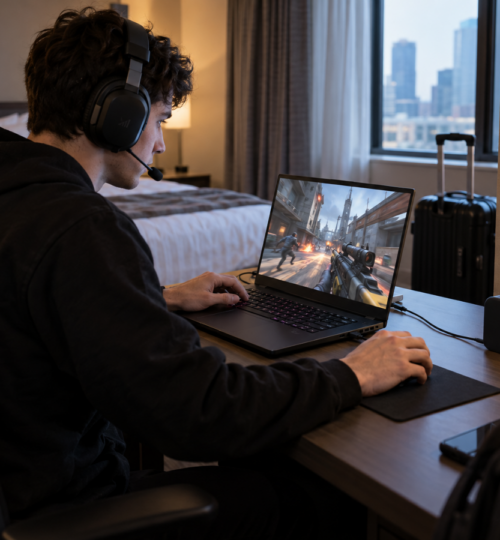
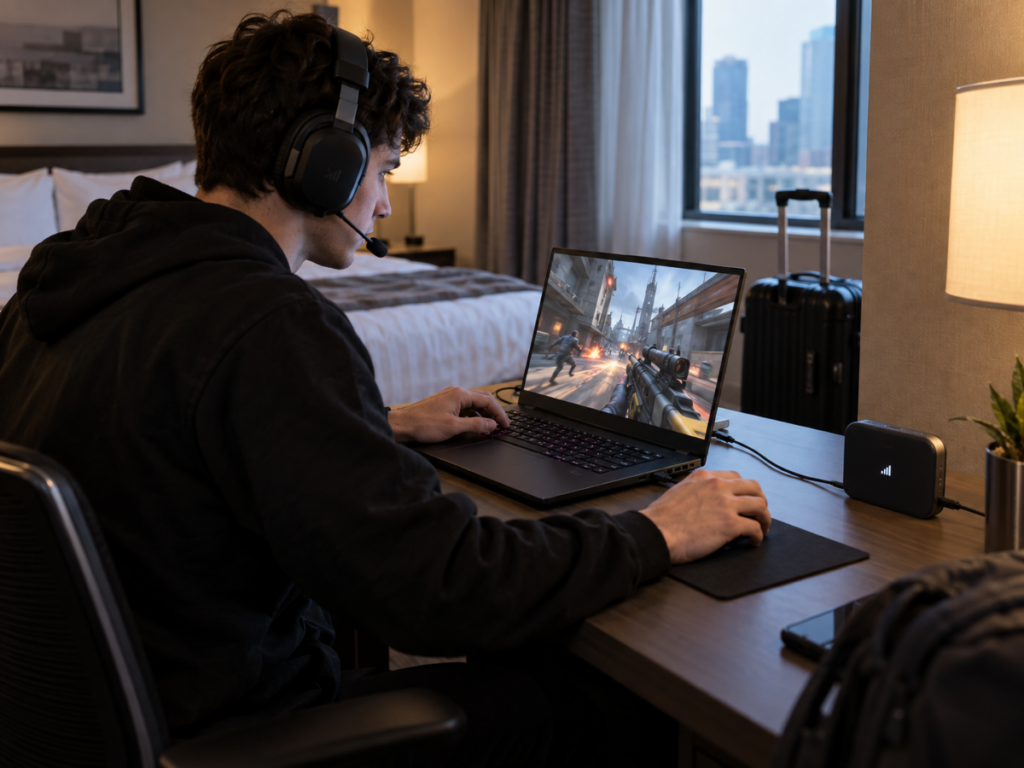
A traveling competitive player can carry a tournament-grade laptop, a low-latency display, a tuned mouse, and a headset that has survived three generations of Discord servers. None of it matters much if the network turns every peek, parry, or possession into a timing gamble. Hotel Wi-Fi has always been the obvious suspect, but modern 5G has changed the fallback calculation enough that a mobile hotspot can now be a serious match connection rather than an emergency browser connection.
The catch is that “5G” tells only part of the story. A fast speed test can hide jitter, packet loss, overloaded uplinks, carrier traffic management, poor routing, and extra cloud relays inserted between the player and the game server. For competitive play on the road, the useful question is no longer whether cellular can reach high throughput. It is whether the entire path can stay predictable for the next twenty minutes.
5G Has Enough Raw Speed, but Competitive Games Care About the Shape of the Connection
Modern 5G networks have more than enough bandwidth for ordinary multiplayer traffic. Opensignal’s January 2026 U.S. report measured average 5G download speeds of 249.0 Mbps on T-Mobile, 184.3 Mbps on AT&T, and 176.6 Mbps on Verizon, while average 5G upload speeds landed between 14.1 and 17.6 Mbps. Those numbers are far beyond the bandwidth required by most live multiplayer sessions, but the same report’s gaming methodology emphasizes latency, jitter, and packet loss because those are the variables that determine whether real-time input feels consistent.
That distinction matters. A 300 Mbps cellular connection that swings between 25 ms and 110 ms round-trip time can feel worse in a shooter than a 40 Mbps connection holding close to 35 ms. The same is true when packets arrive in uneven bursts or disappear entirely. Competitive games are usually light on sustained throughput, yet extremely sensitive to timing variance because the server is constantly reconciling movement, firing, hit registration, abilities, physics, or possession states against packets arriving from multiple players.
The famous 1 ms 5G figure does not describe an ordinary game’s end-to-end Internet ping. ITU performance requirements for IMT-2020 list 4 ms user-plane latency for enhanced mobile broadband and 1 ms for ultra-reliable low-latency communications under defined test conditions. Once traffic leaves the radio access network, it still has to cross the carrier core, peering links, transit networks, and whatever distance separates the player from the game server.
Standalone 5G Helps, but It Does Not Rewrite Geography
The move from non-standalone 5G to standalone 5G matters because standalone service uses a 5G core rather than depending on LTE infrastructure for parts of the connection. By January 2026, Opensignal noted that AT&T and Verizon had announced nationwide 5G standalone networks, joining T-Mobile, which launched standalone service earlier. Opensignal also cautioned that standalone deployment by itself has a more limited effect on user experience than spectrum depth and network capacity.
For players, that is a useful reality check. Standalone 5G creates better conditions for lower latency features, network slicing, and more efficient handling of traffic, but a weak cell or congested sector still behaves like a weak or congested sector. A player in a hotel beside a loaded convention center can have an excellent 5G icon and still get ugly jitter during prime hours.
Radio quality also changes rapidly indoors. Low-band 5G reaches deeper into buildings but usually offers less capacity, mid-band service often supplies the best balance of speed and coverage, and high-band millimeter-wave can deliver exceptional performance at short range while being much easier to block. That means hotspot placement can matter more than the difference between two expensive gaming laptops. Moving a dedicated hotspot near a window, away from metal furniture, or onto the side of the room facing the serving cell can produce a cleaner connection without changing anything on the PC.
A Dedicated Hotspot Can Remove Local Wireless Problems
Phone tethering is still the simplest road setup, but dedicated 5G hotspots have become much better networking devices. Current hardware such as Netgear’s Nighthawk M7 Pro supports 5G standalone sub-6 connectivity, Wi-Fi 7, a 2.5 GbE port, USB tethering, and external antenna connectors. Inseego’s MiFi X PRO offers Wi-Fi 6, USB-C tethering, and gigabit Ethernet, giving a player several ways to avoid another wireless hop between the machine and the cellular modem.
For competitive play, Ethernet or USB tethering is usually the cleaner choice when the device supports it. The cellular link is still wireless, but the short local path from the PC to the hotspot no longer has to share 2.4, 5, or 6 GHz airtime with hotel access points, nearby phones, wireless displays, and every other device in the room. Wi-Fi 6 and Wi-Fi 7 can manage contention more effectively than older standards, yet a cable still removes one source of variability.
The 6 GHz band on a Wi-Fi 7 hotspot can also be useful in a crowded building because it is often cleaner than legacy Wi-Fi bands, but it should not be confused with a lower-latency cellular core. A hotspot can report a spectacular local PHY rate while the game packets are waiting on the cellular uplink. The local link only controls one segment of the trip.
“Cloud-Injected” Latency Usually Comes From Extra Routing, Relays, or Remote Rendering
Travel setups increasingly add cloud services between the player and the destination. A VPN can route traffic through a remote gateway. A bonding service can combine hotel Wi-Fi with 5G through a cloud server. Some security products tunnel all traffic through a provider’s point of presence. Cloud gaming adds an even larger loop because input must reach a remote machine, the game must render there, and encoded video must return to the player.
Those services can solve real problems, but every extra processing point consumes some latency budget. A bonding tunnel may improve stability if one connection drops packets, yet it can also send traffic through a relay that is farther from the game server than the carrier’s normal route. A VPN can occasionally improve a bad carrier route, but it can just as easily turn a direct regional path into a triangle between the player, the VPN gateway, and the game server.
Cloud gaming is the clearest example of added work. Ericsson has described demanding cloud-gaming use cases such as first-person shooters as needing roughly 20 to 30 ms end-to-end network latency for a high-quality experience, because network delay sits alongside game processing, encoding, decoding, display, and input delay. For ranked competition, local rendering over a 5G hotspot generally leaves more timing budget for the actual network than remote rendering does.
Bonding can still be valuable for travelers who care more about continuity than the absolute lowest ping. Speedify, for example, documents a redundant mode that sends traffic across multiple Internet connections so that a failure on one path does not necessarily interrupt the session. That architecture can be useful in unstable locations, but vendor benchmark claims should be treated as examples rather than universal results because the outcome depends heavily on the relay location and the two underlying networks.
Carrier Policy Can Matter More Than the Hotspot Hardware
A premium hotspot cannot create priority the carrier plan does not provide. Mobile operators may treat tethered traffic differently from on-device data, and high-speed hotspot allowances can be finite even on plans marketed as unlimited. T-Mobile states that tethering traffic can receive lower priority than certain on-device traffic during congestion, while Verizon’s current plans and hotspot perks use defined premium-data allowances before reducing hotspot speeds.
For gaming, a post-cap speed reduction does not automatically make a session impossible because the game itself may use relatively little bandwidth. The danger is everything surrounding the game. Voice chat, background launchers, cloud sync, Windows updates, streams, and automatic uploads can consume a reduced uplink quickly enough to build queues and create delay spikes.
This is where bufferbloat becomes a practical road problem. The IETF’s L4S architecture was designed around the idea that high throughput and low queuing delay should be able to coexist, because simply adding bandwidth does not remove delay created by full queues. L4S support is still an incremental deployment story rather than something a traveling player can assume end to end, but the principle is directly relevant: a connection that stays responsive under load is more useful for competition than one that merely posts a large download number while idle.
NAT Type and Carrier-Grade NAT Can Still Complicate Multiplayer
Cellular providers often conserve IPv4 addresses through carrier-grade NAT, which places subscribers behind another translation layer inside the service provider network. The IETF reserved the 100.64.0.0/10 range specifically for this shared-address model and documented that carrier-grade NAT can interfere with some forms of console gaming and peer-to-peer connectivity.
Dedicated-server games usually cope better because the client initiates an outbound session to a public server. Peer-hosted games, older console titles, direct voice systems, self-hosted lobbies, and games with strict NAT expectations can behave differently. IPv6 can remove some IPv4 address-sharing problems when both the carrier and application support it correctly, but a player should test the exact title rather than assume that a fast 5G connection will also produce an ideal NAT status.
The practical test is simple: use the same game, region, and account that will matter during travel, then check matchmaking, voice, party joining, and reconnect behavior before trusting the setup. A synthetic ping to a nearby speed-test node does not prove that the game’s real route and session model will behave the same way.
The Best Travel Setup Is Usually Boring on Purpose
For a serious road kit, the strongest setup is often a dedicated 5G hotspot or portable router with a current modem, broad band support, Ethernet or USB tethering, and a data plan that does not punish hotspot traffic during the expected session. Keep Wi-Fi available for convenience, but wire the gaming device when possible. Position the modem for signal quality, then judge the connection by sustained ping, jitter, packet loss, and behavior under load rather than by the first speed-test result.
A second carrier is more useful than a second copy of the same carrier’s network. Coverage and congestion are highly local, and Opensignal’s national 2026 results show meaningful differences among operators in both overall and 5G gaming experience, while regional results vary further by state. The strongest traveling setup is therefore one that can switch paths when a specific building, venue, or neighborhood happens to be poor for the primary provider.
Cloud bonding or VPN routing belongs in the kit as a tool, not as the default assumption. If the direct 5G route is stable and reaches the right game region cleanly, adding another relay only creates another place for delay to enter. If the direct route suffers packet loss, unstable handoffs, or poor peering, a carefully chosen relay can sometimes improve the session enough to justify its cost in milliseconds.
The real advantage of modern portable networking is control. Competitive players can now carry a cellular modem with wired client connections, 5G standalone support, multi-band radios, external antenna options, and enough battery life to survive a long session. That does not turn a hotel room into a fiber-connected practice facility, but it does give traveling players far more ways to avoid the worst connection in the building and keep the network from becoming the least predictable member of the team.