
Disclaimer: The views and opinions expressed in this article are solely those of the author. The mention of any products, services, or methods does not constitute an endorsement.
A 120Hz screen on a handheld gaming PC sounds like an obvious win for competitive shooters. The display can refresh every 8.33 milliseconds, motion looks cleaner than it does at 60Hz, and input can feel more immediate when the game engine is actually producing frames fast enough to feed the panel. For players used to high-refresh desktop monitors, the appeal is easy to understand: take a fast shooter, shrink the hardware into something you can hold, and keep the responsiveness that competitive play demands.
The hard part is the word “locked.” Modern handhelds can absolutely run some competitive games at or near 120 frames per second, but sustaining 120 fps through firefights, smoke effects, physics, crowded scenes, shader activity, and background system load is a much tougher target than hitting 120 in a benchmark average. A handheld can have a 120Hz or even 144Hz panel without having the CPU, GPU, memory bandwidth, thermal headroom, and battery budget to keep every frame inside that 8.33 ms window.
The Display Has Reached 120Hz Before the Hardware Has Fully Caught Up
High-refresh panels are already normal in the performance end of the handheld PC market. ASUS’ 2025 ROG Xbox Ally X uses a 7-inch 1080p 120Hz display with AMD FreeSync Premium, while MSI’s Claw 8 AI+ pairs an 8-inch 1920 x 1200 panel with a 48 to 120Hz variable refresh range. Lenovo’s original Legion Go pushed its 8.8-inch 2560 x 1600 display as high as 144Hz, while Valve’s Steam Deck OLED remains more conservative at 90Hz.
ASUS has pushed the display side further in 2026 with the ROG Xbox Ally X20. Its 7.4-inch 1080p OLED runs at 120Hz and supports FreeSync Premium Pro, with ASUS listing a 30 to 120Hz variable refresh range. The device also moves to AMD’s Ryzen AI Z2 Extreme and 24GB of LPDDR5X memory, showing how quickly handheld makers are treating 120Hz as a normal premium target rather than an experimental feature.
That creates a strange split in the category. The panel can refresh at esports-friendly speeds, but the APU still has to share a tight mobile power budget between CPU cores, integrated graphics, memory access, display output, storage activity, networking, and the rest of the system. A desktop esports PC can throw far more electrical and thermal power at the problem. A handheld has to solve the same frame-time problem while fitting the machine between two hands.
120 FPS Means an 8.33 Millisecond Deadline, Every Frame
Competitive performance is easier to understand through frame time than average frame rate. At 60 fps, the system has roughly 16.67 ms to produce each frame. At 90 fps, that falls to about 11.11 ms. At 120 fps, the budget is only 8.33 ms, which leaves much less room for sudden CPU work, GPU spikes, asset streaming, driver overhead, or a busy multiplayer scene.
An average of 120 fps therefore does not prove that a device is delivering a locked 120. A system could spend part of a match at 140 fps and another part at 95 fps and still report an average that looks excellent on a chart. For serious shooter play, the more revealing numbers are the lower-percentile frame rates, frame-time consistency, and how often the game falls outside the display’s ideal refresh window during actual combat.
That distinction already appears in testing of current hardware. LaptopMedia measured the 2025 ROG Xbox Ally X at an average of 123 fps in Counter-Strike 2 at 1080p Medium while plugged in, with 113 fps on battery. That is impressive performance from a handheld, but the result also illustrates the difference between reaching the neighborhood of 120 fps and proving a sustained 120 fps lock across a full competitive match.
Fast Shooters Stress More Than the GPU
Dropping graphics settings can remove a large amount of GPU load, which is why competitive players have spent decades trading visual quality for frame rate. On a handheld, however, lowering shadows, effects, ambient occlusion, or resolution eventually reaches a point where the CPU becomes the limiting factor. Multiplayer shooters can be heavy on simulation, player updates, animation, hit registration work, audio, physics, and draw calls even when the image itself is relatively easy to render.
That CPU pressure matters because an integrated handheld APU is balancing CPU and GPU demand inside the same power and thermal envelope. Giving the GPU more power can reduce what is available elsewhere, while a CPU-heavy encounter can prevent the graphics side from reaching the frame rate the display is ready to accept. This is one reason a shooter can run at 120 fps in a quiet training area, then fall well below that target during a crowded fight.
Resolution adds another layer. A 1080p handheld display contains more than twice as many pixels as 720p, and a 1600p panel is far heavier still. Competitive handheld profiles will often make more sense at 720p, 800p, 900p, or a lower internal render resolution with upscaling, especially on a seven or eight-inch screen where the visual penalty can be modest compared with the gain in GPU headroom.
Variable Refresh Rate Makes Missed Targets Hurt Less
Variable refresh rate is one of the strongest features a competitive handheld can have because it reduces the visual penalty when performance falls below the panel’s maximum refresh rate. Instead of forcing the display to update on a fixed schedule, VRR allows the screen to track the game’s changing frame delivery within a supported range. ASUS lists FreeSync on its 120Hz Ally hardware, while MSI lists a 48 to 120Hz VRR range on the Claw 8 AI+.
That means a game moving between 90 and 115 fps can still look fluid and avoid the tearing behavior associated with a mismatched fixed refresh rate. It does not turn 90 fps into 120 fps, and it does not give the player the same input cadence as a true 120 fps lock. What it does is make imperfect handheld performance much more tolerable, which may matter more in practice than chasing a maximum number the hardware cannot hold.
For many portable competitive sessions, a stable 90 or 100 fps with good frame pacing may feel better than an uncapped frame rate bouncing aggressively between 80 and 130. Competitive players have always cared about consistency because inconsistent frame delivery changes the visual and input rhythm of a fight. Handheld gaming makes that tradeoff more visible because power limits and temperature can move the performance ceiling during the session.
Frame Generation Is a Poor Substitute for Native Competitive Frames
Modern handhelds increasingly support frame-generation technology, and it can make demanding games look much smoother. ASUS promotes AMD Fluid Motion Frames on the ROG Xbox Ally X, and current Radeon software can insert generated frames between traditionally rendered frames. For single-player games, that can be an effective way to make limited hardware look far more fluid.
Competitive shooters need a different standard because generated frames do not replace the underlying simulation and input updates of native frames. A displayed 120 fps produced from a much lower native frame rate may look smoother, but the player is not receiving the same responsiveness as a game genuinely rendering and updating at 120 fps. Technologies designed to reduce latency can help the full pipeline, but they do not erase the difference between a newly rendered game frame and an interpolated one.
For handheld esports, the useful target is therefore native or near-native high frame rate first, with upscaling used carefully to reduce GPU work. Frame generation can be valuable for visual smoothness, but tournament-minded players should treat it as a separate tool rather than evidence that a device has solved 120 fps competitive performance.
Power Modes Change the Answer
Handheld benchmark results can become misleading if the power mode is hidden. The 2024 ROG Ally X, for example, supports a 9 to 30W operating range, and ASUS tested it at 30W while plugged in for its own performance material. The 2025 ROG Xbox Ally X raised its plugged-in Turbo profile to 35W in ASUS testing, while battery operation uses lower power targets.
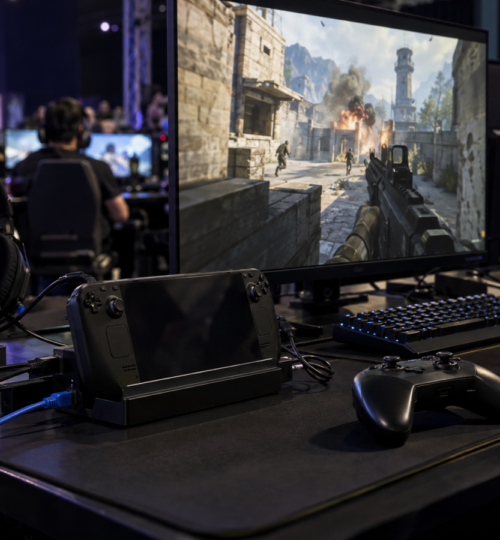
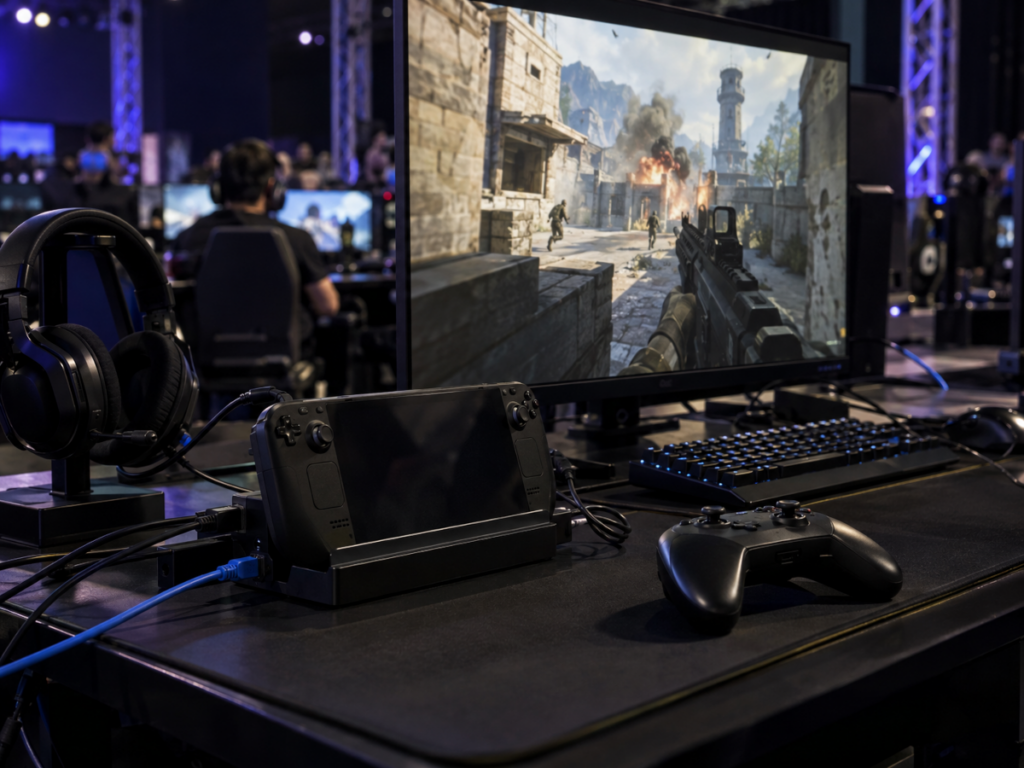
That gap matters because the phrase “handheld esports” can describe two very different situations. One player may be sitting at a desk with the handheld connected to wall power, Ethernet through a dock, a headset, and perhaps an external controller. Another may be playing over Wi-Fi on battery in a hotel lobby or at a venue between matches. The same device can behave very differently in those two conditions.
Battery capacity has improved, with both the ROG Xbox Ally X and MSI Claw 8 AI+ carrying 80Wh batteries, but running a high-performance APU near its upper power limit still consumes energy quickly. A locked 120 fps target is therefore much easier to defend as a plugged-in competitive mode than as an all-day portable expectation.
Thermals follow the same logic. Sustained performance depends on the cooling system maintaining clock speeds after the first few minutes, not simply producing a strong number during a short run. Fan noise is easier to accept with a headset, but heat, ambient room temperature, dust buildup, firmware behavior, and device orientation can all affect how much performance remains available late in a session.
Windows Is Becoming Better Suited to the Handheld Job
Software overhead has historically been one of the awkward parts of Windows handheld gaming. A portable system may have several storefronts, launchers, update services, overlays, RGB tools, chat clients, telemetry processes, and vendor utilities competing for memory and CPU time. That background activity may be minor on a high-end desktop, but an 8.33 ms frame-time target gives the system less room for interruptions.
Microsoft’s Windows gaming full-screen experience is an attempt to reduce some of that friction. Microsoft says the mode can suppress parts of the standard Windows interface, limit startup activity, and reduce background processes so more resources remain available to games. Its developer documentation also warns launcher makers that handheld PCs have more limited memory and resources than typical gaming PCs and recommends minimizing launcher activity after a game starts.
The gain is not automatically dramatic. Ars Technica found only small performance differences between the Xbox full-screen experience and normal Windows desktop mode in its 2025 ROG Xbox Ally X testing, often measuring less than a frame per second of improvement. The larger value may be consistency and resource discipline over time, especially if Windows handhelds continue moving toward a gaming-focused operating mode instead of behaving like tiny laptops with controllers attached.
Competitive Handhelds Need Better Performance Profiles, Not Bigger Refresh Numbers
A 144Hz or 165Hz panel would be easy to market, but higher refresh rates do not solve the main engineering problem. The more useful direction is device-specific game profiles that control resolution, power budget, frame caps, upscaling, VRR, and background activity around a realistic performance target. Microsoft and ASUS have already moved toward default game profiles on ROG Xbox Ally hardware, which is the kind of system-level tuning handheld competition needs more of.
For fast shooters, a strong profile might target 120 fps in lighter esports titles, 90 fps in more demanding games, and 60 fps where the engine or hardware cannot reliably go higher. Those caps should be based on sustained frame times rather than short benchmark peaks. A stable 90 fps mode that holds its target through a full match has more competitive value than a nominal 120 fps mode that repeatedly collapses into the 70s during the exact moments when precision matters most.
Developers can help by treating handheld PCs as a performance class of their own. Competitive presets could reduce CPU-heavy crowd detail, expensive effects, shadow complexity, volumetrics, and other settings that produce bad frame-time spikes without making enemy visibility worse. The best handheld mode would be built around responsiveness and consistency from the start rather than created by asking players to drag every setting to Low and hope the resulting mix behaves properly.
Tournament-Grade Handheld Play Needs a Defined Operating Envelope
Organized handheld competition would also need tighter hardware rules than a casual LAN session. Two identical handhelds can perform differently if one is on battery, another is connected to a high-wattage charger, one has a newer graphics driver, or one is running extra launchers and overlays in the background. A tournament that expects high-refresh consistency would need to standardize firmware, drivers, power mode, display mode, game settings, upscaling, frame caps, and background software before the first map starts.
Network conditions would need the same treatment. Wi-Fi 6E and Wi-Fi 7 support are increasingly common on premium handhelds, but wireless capability alone does not guarantee low or stable latency in a crowded venue. Competitive stations could use USB-C docks with wired Ethernet and fixed power, which would remove two major variables while keeping the handheld itself as the game system. At that point the format begins to look less like gaming on a train and more like a compact tournament PC with an integrated display and controls.
The real qualification test for 120Hz handheld esports should therefore be sustained frame time under a repeatable match workload. A device would need to survive a long thermal soak, maintain its chosen power profile, and keep lower-percentile performance close enough to 120 fps that firefights do not produce visible or measurable collapses. A handheld that can do that for an entire competitive session is demonstrating something far more meaningful than briefly touching 120 fps in a benchmark run.