
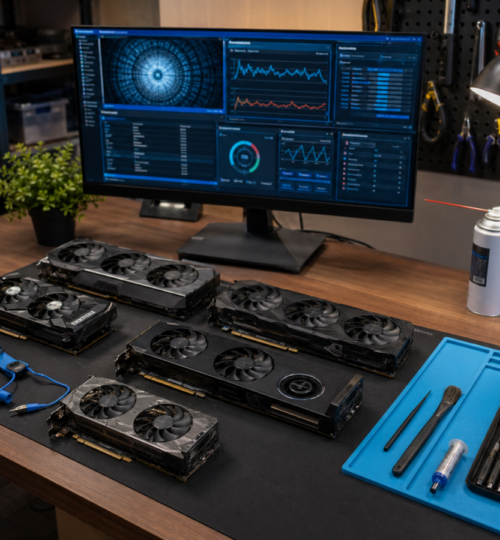
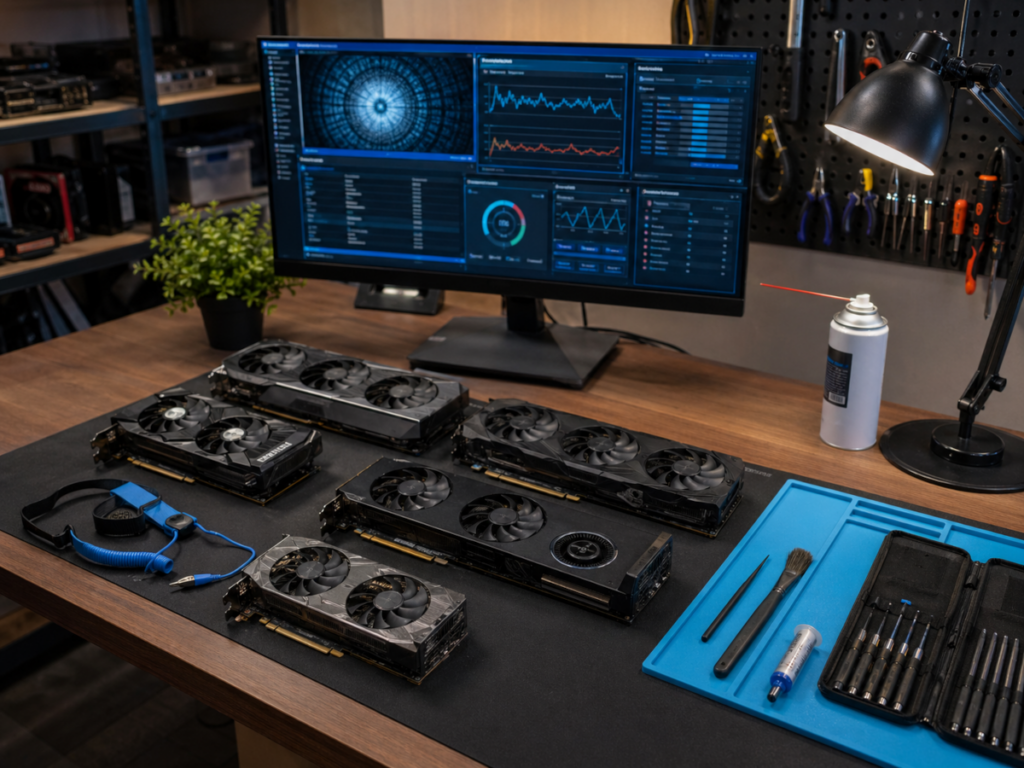
For PC gamers, the graphics card has always been the heart of the machine. It is the part that decides whether your favorite shooter feels sharp at 144 Hz, whether your sim racer can hold a clean frame rate through a crowded grid, and whether your RPG looks like a living world or a blurry compromise. For competitive players, the GPU is not just about pretty visuals. It is about consistency, input feel, visual clarity, and keeping the machine ready when the next match starts.
That is why the refurbished and used GPU market matters so much in 2026. New graphics cards are powerful, but prices and supply pressure continue to push many gamers toward secondary-market options. AI demand has kept pressure on GPU availability and pricing, with reports that even older GPUs are holding value better than expected in some parts of the market. At the same time, modern gaming cards have moved into new generations, including NVIDIA’s GeForce RTX 50 family and AMD’s Radeon RX 9000 series based on RDNA 4. AMD describes the RX 9000 series as built on RDNA 4 with upgraded ray tracing, AI accelerators, and gaming-focused performance improvements.
That creates a weird but familiar situation for PC players: the newest hardware gets the headlines, but the smartest buy may be one generation back, refurbished, open-box, or lightly used. The challenge is knowing the difference between a good deal and a cursed rectangle of silicon that spent two years mining crypto in a dusty basement.
Why Refurbished GPUs Are Still Attractive in 2026
The refurbished GPU market exists because not every gamer needs the newest flagship. A player running esports titles at 1080p or 1440p may be perfectly happy with a previous-generation card if it delivers stable frame rates, good driver support, enough VRAM, and reasonable power draw.
That is especially true for a revived competitive community like ours. Many veteran players remember when upgrading a GPU meant squeezing another season out of a system so you could keep playing Counter-Strike, Battlefield, Unreal Tournament, Star Wars Battlefront, Call of Duty, or whatever ladder your team was grinding that year. The spirit has not changed. Hardware is a tool. The goal is to get into the match, perform well, and avoid technical nonsense.
A refurbished GPU can make sense when it gives you enough performance for less money than a new equivalent. It may also help builders upgrade older rigs without replacing the entire platform. A card like a previous-gen midrange or upper-midrange GPU can still be excellent for 1080p high-refresh gaming, 1440p competitive settings, streaming, content creation, or casual ray tracing.
But “refurbished” is one of those words that can mean very different things depending on who is selling it. A manufacturer-refurbished card is not the same as a random used card with “refurbished” slapped into the listing title. A store-certified open-box return is not the same as a marketplace card from a seller with three photos, no serial number, and a description that says “works fine, no returns.” The label matters less than the source, the warranty, and the evidence.
Refurbished, Used, Open-Box, and Renewed Are Not the Same Thing
Before buying, separate the categories. A new GPU should come sealed, with full manufacturer warranty, original accessories, and no prior use. An open-box GPU is usually a customer return or display item. It may be almost new, but the box has been opened. These can be great deals when sold by a reputable retailer with a return window.
A used GPU is simply second-hand. It may be excellent, abused, repaired, modified, mined on, cleaned, repasted, or half-dead. You need proof. A refurbished GPU should mean the card was inspected, tested, cleaned, repaired if needed, and resold with some form of warranty. But the quality of refurbishment depends heavily on who did the work.
A renewed GPU is often marketplace language. Sometimes it means properly tested. Sometimes it means a reseller plugged it in, saw display output, and called it a day.
The safest buying hierarchy is usually: manufacturer refurbished first, major retailer open-box or certified refurbished second, reputable specialist refurbisher third, local seller with live testing fourth, anonymous marketplace listing last. That does not mean marketplace deals are impossible. It means the risk goes up, so the price needs to go down enough to justify that risk.
The Counterfeit and Tampering Problem Is Real
The used GPU market has always had scams, but by 2026, the scams are no longer limited to obviously fake listings. Recent reporting described a counterfeit RTX 4090 that was convincing enough to initially fool a repair expert, with subtle soldering details only becoming obvious under close inspection. That should make every buyer pause.
Counterfeit cards can appear in several ways. Some are lower-end GPUs flashed with fake firmware to display a better model name. Some are dead high-end cards sold for parts while the listing pretends they work. Some may use swapped coolers, replaced PCBs, damaged memory, or strange repair work. Others are simply empty promises, where the scam is the listing itself.
This is why screenshots alone are not enough. A seller can fake a GPU-Z screenshot, borrow photos from another listing, or show a card that is not the one they ship. Good sellers provide consistent evidence: real photos, serial numbers when appropriate, timestamped images, benchmark results, temperature data, and a return policy. A safe buyer thinks like an anti-cheat system. Trust is good. Verification is better.
Start With the Use Case, Not the Discount
The worst way to buy a refurbished GPU is to start with the biggest discount. The better way is to define what the card needs to do. For esports and competitive multiplayer, ask what resolution and refresh rate you actually play. A 1080p 240 Hz player may care more about consistent frame pacing and CPU balance than ultra settings. A 1440p 165 Hz player needs more GPU horsepower and VRAM. A 4K player should be far more cautious about older 8 GB cards, especially in modern AAA games with high-resolution textures.
VRAM deserves special attention in 2026. Newer games increasingly punish cards with limited memory when textures, ray tracing, frame generation, and high-resolution assets are enabled. NVIDIA’s recent mobile RTX 5070 12 GB variant coverage reflects how much attention VRAM capacity continues to receive in modern gaming hardware discussions.
That does not mean every gamer needs 16 GB or more. It means you should buy for your actual target. For budget 1080p esports, an 8 GB card may still make sense if the price is right. For 1440p longevity, 12 GB or 16 GB is more comfortable. For 4K, heavy modding, high-res texture packs, or creator workloads, memory becomes a bigger part of the buying decision. The card is only a deal if it solves your real problem.
Check Warranty First, Price Second
A refurbished GPU without a warranty is often just a used GPU wearing a nicer word. The warranty does not need to be long to be useful, but it needs to exist. Look for clear terms. How many days are covered? Is it replacement, repair, refund, or store credit? Who pays return shipping? Does opening the card to repaste it void the warranty? Is the warranty transferable? Is the seller an authorized refurbisher or just a reseller?
A 30-day return window is better than nothing. A 90-day warranty is better. A one-year warranty from a reputable source is excellent for refurbished hardware. Manufacturer refurbished cards are often worth paying more for because the warranty and testing process are usually more trustworthy.
For marketplace buying, platform protection matters. Use payment methods with buyer protection. Avoid wire transfers, gift cards, crypto payments, friends-and-family payment modes, or off-platform deals. If the seller tries to move the transaction away from the marketplace, that is usually a big red flag. The old LAN-party rule still applies: the person rushing you is usually not doing you a favor.
Inspect the Listing Like a Technician
A good GPU listing should answer basic questions before you ever message the seller. You want clear photos of the actual card, not stock images. Ideally, you should see the front cooler, backplate, PCIe connector, display outputs, power connectors, serial label, and the card installed or tested. Dust is not automatically fatal, but heavy grime, corrosion, bent fins, missing screws, stripped screw heads, oily residue, or damaged connectors are warning signs.
Ask whether the card has been opened, repasted, repaired, mined on, or used in a workstation. Mining is not an automatic death sentence, but it increases the need for evidence. A mining card that was undervolted, kept cool, and maintained may be healthier than a gaming card cooked in a bad airflow case. The problem is not mining by itself. The problem is unknown history plus no warranty.
Also look for mismatches. Does the cooler match the PCB? Does the model name match the power connector layout? Does the backplate match official images? Does the box serial match the card serial? A mismatch can be innocent, but it should trigger more questions. If the listing has only one blurry photo and a suspiciously low price, do not negotiate with your own common sense. Walk away.
Ask for the Right Proof Before Buying
A trustworthy seller should be able to provide basic validation. Ask for a timestamped photo with the card, the current date, and the seller’s username. Ask for a GPU-Z screenshot showing the card model, memory type, BIOS version, bus interface, and driver recognition. Ask for a benchmark run or stress test screenshot with temperatures visible.
For NVIDIA and AMD cards, you want the system to recognize the correct model. You also want to see normal memory size, normal bus width, and normal clock behavior. A card reporting strange specs may be flashed incorrectly, fake, damaged, or misidentified.
Temperature data matters. Under load, modern GPUs can run warm, but extreme hotspot temperatures, rapid throttling, crashes, artifacting, black screens, or fans ramping instantly to maximum are bad signs. Some refurbished cards only need new thermal paste or pads, but you should not pay full working-card prices for someone else’s maintenance problem.
If buying locally, ask to see the card run. Launch a game, run a benchmark, test multiple display outputs, listen for fan grinding, and check for artifacts. If the seller refuses any reasonable test, the deal needs to be cheap enough to be treated as a gamble.
Red Flags That Should End the Deal
Some warning signs are not worth debating. Avoid listings that say “no returns” while charging near-market price. Avoid sellers who cannot show the card working. Avoid prices that are dramatically below the going rate unless the defect is clearly stated. Avoid cards with missing serial stickers, unknown BIOS mods, visible corrosion, damaged PCIe contacts, burned power connectors, or “sometimes crashes but probably driver issue” language.
Be careful with “for parts” listings. Sometimes buyers convince themselves they can revive a dead GPU with a repaste or BIOS flash. Maybe they can. Most cannot. Unless you repair hardware professionally, a for-parts GPU should be treated as a project, not an upgrade. Also avoid emotional buying. Scarcity, nostalgia, and performance envy are how people make bad hardware choices. The best GPU purchase is boring: verified seller, fair price, clear warranty, tested card, enough performance, no drama.
After the Card Arrives, Test It Immediately
Do not install a refurbished GPU and assume everything is fine because Windows boots. Test it while the return window is still open. Start with a physical inspection. Check the PCIe connector, power connectors, display ports, fans, screws, backplate, and cooler alignment. Smell the card. A strong burned-electronics smell is not normal. Some dust smell is expected. Burnt plastic is not.
Then install the latest stable drivers from the official NVIDIA or AMD site. Use GPU-Z or a similar utility to confirm the model, memory, bus width, and PCIe behavior. Run a few known benchmarks and compare scores to typical results for that model. You do not need a perfect match, but a major performance gap needs investigation.
Test games you actually play. A GPU can pass a synthetic benchmark and still fail in a real workload. Run a competitive shooter, a demanding AAA title, and any game engine you regularly use. Watch for artifacts, driver resets, black screens, sudden crashes, fan noise, and temperature spikes. If the card fails, document everything immediately. Take screenshots, record video if needed, and contact the seller before the return period gets fuzzy.
Power Supply and Case Airflow Still Matter
A refurbished GPU can only perform well in a system that supports it. Before buying, check the card’s power requirements, connector type, physical length, slot thickness, and recommended PSU capacity. Some high-end cards are massive. Some need modern power connectors. Some will technically fit but suffocate against a case panel.
Older power supplies are a hidden risk. A used GPU that crashes under load may not be defective if the PSU is unstable. But from a buyer protection standpoint, you need to know that before blaming the card or missing a return window.
Airflow matters too. A refurbished card with fresh paste can still run hot in a case with poor intake. If your case is an old sealed box from the optical-drive era, do not expect miracles from a triple-fan GPU pulling warm air from nowhere.
For competitive gaming, thermals are not cosmetic. Heat can cause boost clocks to drop, fans to get loud, and performance to become inconsistent. Stable frame pacing beats peak benchmark glory.
When Refurbished Makes Sense and When It Does Not
A refurbished GPU makes the most sense when the discount is meaningful, the seller is reputable, the warranty is clear, and the card meets your performance target without stretching your power supply or case.
It makes less sense when the refurbished price is close to new, when the warranty is weak, when the card has limited VRAM for your target resolution, or when a newer midrange card offers better efficiency, features, and longer support for only a little more money.
This is where 2026 buyers need to be honest. Sometimes last generation is the sweet spot. Sometimes it is a trap. If a used high-end card costs nearly as much as a new midrange card with modern features, warranty, lower power draw, and better driver runway, the new card may be the smarter competitive choice. The goal is not to win a spec-sheet argument. The goal is to build a machine that plays well, lasts long enough, and does not turn every ranked night into troubleshooting.
The Legacy Gamer’s Buying Mindset
For players who came up through community ladders, clan matches, server browsers, and late-night scrims, PC hardware has always been part of the culture. We learned to stretch parts, swap cards, rebuild machines, and keep aging rigs alive because the match mattered more than the marketing cycle.
That mindset still works in 2026, but the market is more complicated now. Refurbished GPUs can be excellent buys, especially for gamers who know their target resolution, understand warranty value, and refuse sketchy listings. They can also be risky, especially as counterfeit hardware and sophisticated scams become harder to spot.
Buy patiently. Verify everything. Favor sellers with real accountability. Test immediately. Do not chase the lowest price at the expense of basic protection. A good refurbished GPU should feel like a smart upgrade, not a coin flip. In a revived competitive community built on history, performance, and player-driven competition, that is the kind of hardware decision that keeps people in the game instead of stuck on the bench.