
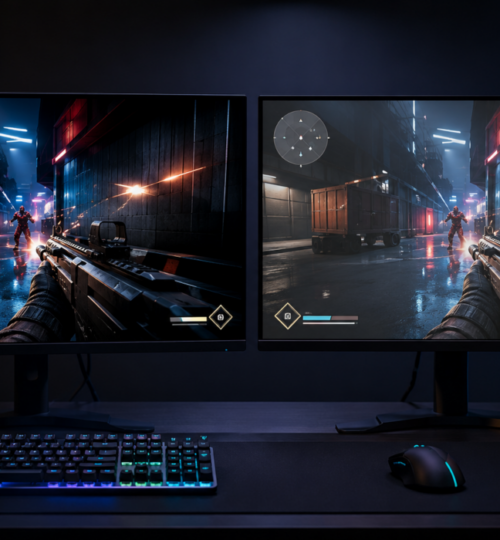
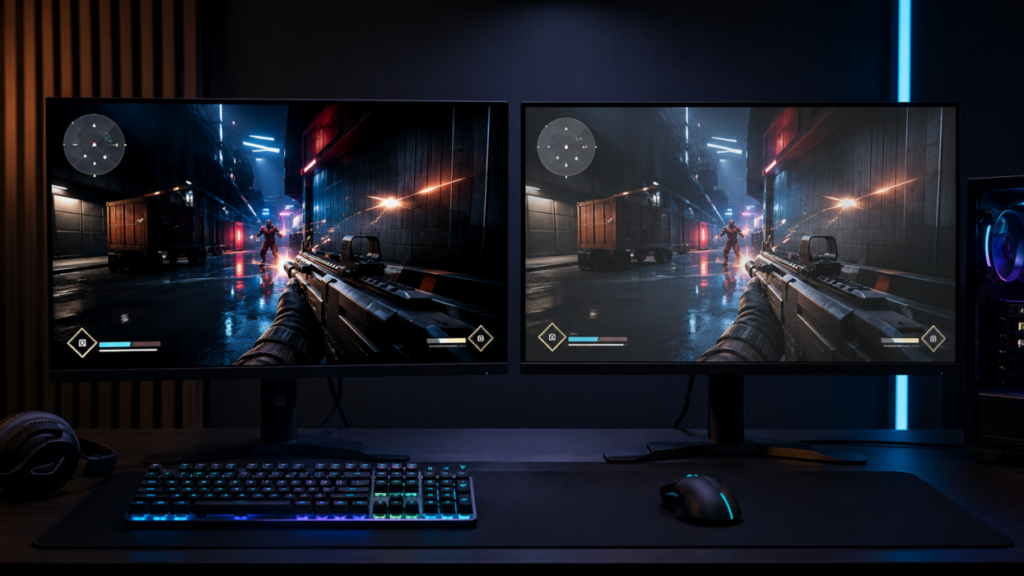
OLED gaming monitors have moved from luxury showpieces to serious competitive hardware. Response times are exceptionally fast, motion remains clean at high refresh rates, and dark scenes no longer dissolve into the gray haze associated with many LCD panels. For shooters, racing games, fighting games, and fast arena titles, the improvement can be immediate. The concern has never been speed. It is burn-in.
Competitive players may spend thousands of hours in one title. The same mini-map sits in the same corner. Health and armor bars remain fixed. Ability icons barely move. Scoreboards, weapon indicators, crosshairs, ammo counters, and streaming overlays repeatedly stress the same pixels.
Modern OLED panels are far more resistant to image retention than early consumer models, but the risk has not disappeared. Long-term testing shows a more complicated reality. OLED can handle heavy gaming, including static interface elements, but usage patterns still matter.
Burn-In Is Uneven Pixel Aging
Every OLED pixel produces its own light. Unlike an LCD, there is no separate backlight shining through a color layer. Individual pixels can turn completely off, producing true black levels and extreme contrast. That self-emissive design is also the source of burn-in risk.
OLED materials gradually lose brightness as they operate. A pixel displaying a bright red health bar for several thousand hours receives more electrical stress than nearby pixels displaying frequently changing scenery. Over time, the heavily used area may become slightly dimmer or shift in color. The old image has not literally burned into the screen. The affected pixels have aged differently from the pixels around them.
Temporary image retention is different. A faint HUD outline may appear briefly after a long session and disappear after the monitor rests or completes a compensation cycle. Permanent burn-in remains visible across unrelated content, particularly on flat gray, red, green, or dark test screens. That distinction matters because players sometimes see temporary retention, panic, and assume the panel has already suffered permanent damage.
The Esports Workload Is Unusually Repetitive
Normal television use constantly changes the picture. Movies have cuts, camera movement, credits, black bars, and varied color patterns. General PC use includes browser windows, videos, documents, applications, and desktop elements. Dedicated competitive gaming can be far less varied.
A Counter-Strike player might spend years with the radar, ammunition display, health indicator, and equipment icons locked into identical positions. A League of Legends player may keep the mini-map, champion portrait, ability bar, item slots, and team status display on-screen for nearly every match. Fighting games repeatedly display health meters and round counters along the upper edge.
The risk is cumulative. Ten hours of a fixed interface followed by varied content is different from ten hours every day for several years. Even if the player closes the game nightly, the same pixel groups are stressed again during the next session.
Brightness also changes the equation. A bright white HUD running at maximum panel output causes more wear than a muted interface at moderate brightness. Highly saturated red, yellow, and white elements can be particularly demanding.
Older controlled testing from RTINGS demonstrated that sustained static content can permanently mark OLED panels, while comparable LCD televisions did not develop OLED-style burn-in. The test also found that the effect accumulated over time rather than resetting whenever the content changed.
What Torture Tests Actually Prove
Long-duration OLED tests often create alarming images. News logos remain visible. Color blocks become uneven. Static shapes can be seen across unrelated footage. Those results are real, but the test conditions must be understood.
RTINGS has operated accelerated longevity testing with televisions running for extended daily periods under highly repetitive programming. Every OLED in one later test eventually showed burn-in under those severe conditions. RTINGS also described the setup as a torture test designed to push displays beyond typical mixed viewing.
An earlier real-world experiment ran OLED televisions for roughly 20 hours per day and produced permanent retention after prolonged exposure to static material. That experiment established that OLED burn-in is physically possible and measurable. It did not establish that every gaming monitor will show visible damage after a fixed number of hours.
There is no universal countdown. A panel does not reach hour 5,000 and suddenly display a mini-map scar. Wear depends on panel generation, brightness, heat, color, interface opacity, compensation behavior, session length, content variation, and manufacturing differences.
An esports player running one title at high brightness for eight hours daily presents a harder workload than someone alternating among several games, videos, desktop work, and full-screen content. Both users may record the same total operating hours while aging the panel very differently.
Modern OLED Panels Fight Back
Current gaming monitors use several layers of protection. Manufacturers call them different names, but the methods generally fall into a few categories. Pixel shifting moves the displayed image by a tiny amount at intervals. The movement is usually too small to notice during play, but it prevents sharp interface edges from landing on precisely the same subpixels every second.
Static-element detection identifies persistent logos, taskbars, scoreboards, or HUD components and selectively reduces their brightness. Some monitors dim the entire screen after detecting inactivity. Others target the static region while preserving the surrounding picture.
Compensation cycles measure or estimate uneven pixel wear and adjust output to reduce visible differences. Short cycles often run automatically after several hours of use when the monitor enters standby. Longer maintenance cycles may run after a much larger number of operating hours.
LG describes its Pixel Refresher system as a process that scans for pixel deterioration and compensates for differences. Its Screen Shift feature slightly moves static areas, while additional detection systems reduce the stress caused by stationary images.
ASUS also documents pixel cleaning as part of its OLED monitor protection system, designed to calibrate irregularities that can develop after prolonged operation. These systems reduce visible wear. They do not make the organic material immortal.
WOLED and QD-OLED Have Different Characteristics
The gaming monitor market is largely divided between WOLED panels associated with LG Display and QD-OLED panels associated with Samsung Display. WOLED commonly produces color through white OLED light passed through color filters, with a white subpixel assisting brightness. QD-OLED uses blue OLED material with quantum-dot conversion for red and green. Each design has advantages involving brightness, color volume, text rendering, screen coating, and subpixel structure.
Neither panel family is immune to burn-in. Early accelerated testing found visible retention on examples of both QD-OLED and WOLED displays. Some models aged differently, and heat management or firmware behavior could strongly affect the results. The panel category alone was not enough to predict the winner.
This is where internet arguments often become useless. One owner may run a QD-OLED monitor for years without visible damage. Another may develop retention under an intense desktop workload. A WOLED owner may report the opposite experience. Panel generation, cooling, firmware, brightness policy, and individual use matter more than brand tribalism.
Heat Is the Quiet Enemy
OLED degradation accelerates under higher thermal and electrical stress. Modern gaming monitors increasingly include heatsinks, thermal sensors, graphite layers, ventilation systems, and automatic brightness controls. Some models use passive cooling. Others include active fans. A well-managed panel can distribute and release heat more effectively, reducing localized stress during long sessions.
Competitive players should resist blocking monitor vents or pushing the rear of the display directly against a wall. A hot room, restricted airflow, maximum brightness, and twelve-hour sessions create a harsher operating environment than a ventilated setup at moderate brightness.
This is also why disabling every protective feature for the sake of perfectly consistent brightness can be a bad trade. Automatic static brightness limiting may occasionally feel intrusive, but it exists because sustained high-output static content is one of the hardest patterns an OLED panel can display.
The Warranty May Matter More Than the Panel Type
OLED monitor warranties have improved significantly. Several major gaming brands now advertise explicit burn-in coverage, which would have been rare during the first wave of desktop OLED products. Dell states that Alienware QD-OLED monitors include burn-in coverage within a maximum three-year warranty term. MSI similarly advertises three-year OLED panel coverage that includes burn-in.
That coverage changes the buying calculation. A player who expects to grind one esport for 4,000 or 5,000 hours can accept more risk when permanent retention is clearly covered. The details still require attention. Coverage may differ by model, region, retailer, and purchase type. Some policies exclude commercial use, abnormal operation, cosmetic changes below a visibility threshold, or damage associated with ignored maintenance prompts. Warranty replacements may also involve refurbished units rather than new monitors.
Marketing language is not enough. The written warranty for the exact model and country should explicitly mention burn-in or permanent image retention.
HUD Design Can Reduce Wear
Game developers have more control over this issue than they usually admit. HUD opacity settings reduce stress without harming competitive visibility. Adjustable interface brightness helps players avoid blasting static white elements at full intensity. Movable mini-maps, alternative HUD layouts, dynamic health bars, and automatic hiding outside combat can distribute wear.
Some games already permit extensive interface customization. Others lock every element into place for consistency. That may make sense for broadcast presentation, but it ignores the growing number of players using self-emissive monitors.
Tournament organizers and spectator clients create another demanding case. A production monitor may display the same team logos, scoreboard frame, sponsor graphics, and observer interface throughout an entire season. Those systems should either use LCD displays or rotate layouts and maintenance schedules.
A home player has more freedom. Reducing HUD brightness or opacity by a modest amount can cut stress while keeping every piece of competitive information readable.
Practical Protection Without Babysitting the Monitor
OLED ownership should not feel like caring for unstable laboratory equipment. A few habits address most of the realistic risk. Allow the monitor to enter standby instead of cutting power at the wall immediately after every session. Automatic compensation cycles often run after shutdown or standby, and removing power can interrupt them.
Keep panel-care features enabled. Pixel shift and static detection may alter the image slightly, but the changes are generally minor during normal play. Use a screen saver and automatically hide the desktop taskbar. These steps matter for players who leave launchers, Discord, browsers, or tournament dashboards open between matches. Avoid maximum SDR brightness unless the room genuinely demands it. Competitive visibility does not require turning every desktop window into a floodlight.
Rotate content after long sessions. Watching full-screen video, playing another title, or simply letting the monitor rest provides a more varied workload than leaving the same post-match menu displayed for hours.
Manual pixel cleaning should not become a daily ritual. These cycles are designed for specific intervals or visible retention. Running intensive maintenance far more frequently than recommended may add unnecessary panel wear.
Thousands of Hours Are Possible, but Not Guaranteed
Modern OLED gaming monitors can survive thousands of hours of competitive play without obvious burn-in. Owner reports, improved panel chemistry, better cooling, automated compensation, and stronger warranties all support that conclusion. The phrase “can survive” matters.
A player who spends 3,000 hours across ten games has a different risk profile from a player who spends those hours inside one title with a bright, fixed HUD. A mixed-use monitor may age evenly enough that changes remain invisible. A dedicated training station displaying one game every day may eventually reveal the mini-map during gray-screen tests.
LCD remains the safer choice for zero-tolerance environments. Team facilities, tournament administration desks, observer stations, and systems expected to display static interfaces for years still benefit from IPS or fast TN panels. They give up OLED black levels and pixel response, but permanent HUD burn-in is not part of the equation.
For an individual competitor, OLED has become a defensible choice rather than a reckless one. The speed is real. The picture quality is real. The burn-in risk is also real, but it can be reduced through sensible brightness, working panel-care systems, varied use, proper standby behavior, and a warranty that clearly covers permanent image retention.
The worst OLED setup is not a heavily used gaming monitor. It is a heavily used gaming monitor running at maximum brightness, with protection disabled, power cut before compensation cycles, poor ventilation, and the same glowing HUD displayed every day.