
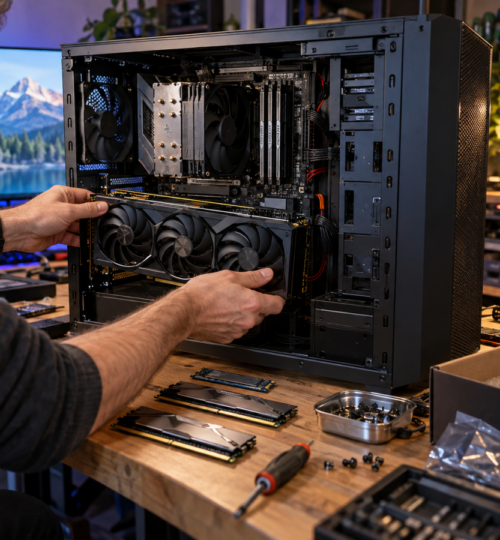
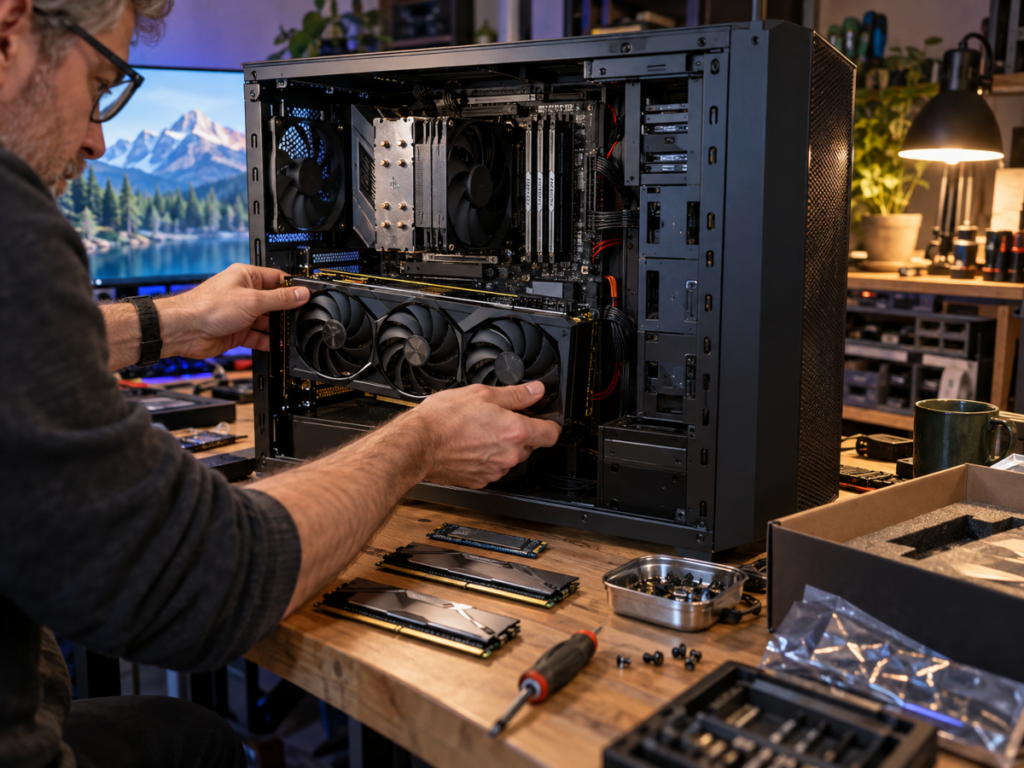
A gaming PC that still pushes respectable frame rates can feel surprisingly old the moment local AI enters the workload. Modern games mostly ask whether the GPU can render a scene quickly enough, while local language models, image generators, transcription tools, coding assistants, and video models often ask a harsher question first: can the job fit into memory at all? That shift changes the upgrade order for anyone trying to turn an aging multiplayer machine into a serious dual-purpose gaming and AI box.
The good news is that a full rebuild is not always necessary. A system with a still-capable CPU, a decent PCIe slot, and room for more memory can gain far more from a carefully chosen GPU, RAM expansion, storage upgrade, and power-supply check than from chasing a completely new platform. The catch is that the priorities are different from a normal gaming refresh, and buying the fastest card inside a familiar price bracket can leave an AI workload boxed in by memory limits.
VRAM Has Become the First Gate
For local AI, VRAM is often the component that decides what can run comfortably before raw compute decides how fast it runs. A quantized language model can spill part of its workload into system memory, and tools based on llama.cpp can divide work between CPU and GPU, but a model that lives entirely or mostly in VRAM usually feels far more responsive. llama.cpp currently supports CUDA, ROCm, SYCL, Vulkan, and hybrid CPU-GPU operation, so local inference can run across a wide mix of hardware.
The basic math explains why older gaming cards run into walls so quickly. A 32-billion-parameter model stored at four bits starts around 16 GB for weight data alone, while a 70-billion-parameter model starts around 35 GB before runtime overhead, context memory, caches, and other allocations enter the picture. Quantization can cut memory demand dramatically, but longer context windows and vision features push usage back upward. LM Studio now exposes memory estimates that account for factors such as context length, GPU offload, flash attention, and vision support, which is a useful reminder that the model file size is only part of the real requirement.
That makes 16 GB of VRAM a strong practical target for a serious mixed-use upgrade in 2026, even though smaller cards can still run many useful models. NVIDIA’s RTX 5060 Ti is available in a 16 GB configuration, the RTX 5070 Ti and RTX 5080 both carry 16 GB, while the standard RTX 5070 has 12 GB. The RTX 5090 moves to 32 GB, which puts it in a very different class for large local models and demanding image or video workflows.
This also creates an unusual buying decision for gamers. A faster gaming card with less memory can lose access to a workload that a slower card can hold, so the normal habit of ranking GPUs mostly by average frame rate is incomplete here. For someone who plays competitive games at night and runs local models during the day, capacity deserves its own column in the upgrade spreadsheet.
NVIDIA Still Has the Easiest Software Path, but the Field Is Wider
NVIDIA remains the safest choice for builders who want the broadest path through local AI software because CUDA support is deeply established across machine-learning tools. That does not mean AMD or Intel cards are shut out. llama.cpp supports CUDA for NVIDIA, ROCm for AMD, SYCL for Intel, and Vulkan across multiple vendors, while Ollama 0.30 enabled Vulkan by default to broaden GPU acceleration across AMD and Intel hardware.
AMD’s current consumer lineup gives memory-conscious builders several interesting options. The Radeon RX 9070 XT has 16 GB of GDDR6, and the 16 GB RX 9060 XT reaches the same capacity at a much lower 160-watt typical board power rating. The RX 9070 XT is rated at 304 watts and AMD recommends a 750-watt power supply for that card.
Intel also has a role in lower-cost experimentation. The Arc B580 carries 12 GB of GDDR6 and 160 XMX engines, with a 190-watt total board power rating. Software compatibility should still be checked against the exact AI application before buying, because support that exists in one runtime does not guarantee equal speed, feature coverage, or setup quality in another.
The used market adds another oddball option that remains relevant specifically because local AI values memory so heavily. The RTX 3090 is an older Ampere card, yet its 24 GB of GDDR6X gives it more VRAM than every current GeForce model below the RTX 5090. That can make a clean, correctly priced used 3090 attractive for AI-heavy builders who accept older gaming efficiency, higher power draw, used-hardware risk, and the absence of newer Blackwell features.
System RAM Is the Second Safety Net
A machine with 16 GB of system RAM can still launch local AI software, but it is a narrow target for heavier work in 2026. LM Studio officially recommends at least 16 GB for Windows, yet that is a starting point rather than a comfortable specification for someone loading large models while a browser, Discord, game launcher, IDE, and background services are also alive.
For a rebuilt gaming tower, 32 GB is the sensible entry point and 64 GB is the more comfortable target for serious local work. The extra memory matters when model layers spill out of VRAM, when multiple models or tools are open, and when large datasets, image batches, or coding projects share the machine. Builders experimenting with very large models can justify 128 GB, especially if CPU offload is part of the plan, although system memory is far slower than dedicated GPU memory for most inference work.
Memory capacity also changes how gracefully the system fails. Running out of VRAM can sometimes be worked around by offloading to RAM, but running out of both usually ends the session with paging, severe slowdown, or an outright allocation failure. In a machine expected to switch between a competitive game and a local AI stack without constant babysitting, spare RAM is one of the least glamorous upgrades that pays off every day.
The CPU Matters, Just Differently Than It Does in Esports
Competitive players are used to caring about CPU frame-time behavior, especially at 1080p or high refresh rates where the GPU is not always the limiter. Local AI changes the CPU’s role. If a model is fully offloaded to a strong GPU, the processor can become secondary during token generation, but it still handles orchestration, preprocessing, decompression, storage activity, application logic, and any layers that do not fit on the GPU.
That means an aging eight-core or twelve-core processor can remain useful if the rest of the platform has the memory capacity and PCIe connectivity needed for the upgrade. A platform swap becomes more compelling when the old motherboard caps RAM too low, lacks a sensible NVMe path, cannot support the operating system cleanly, or leaves a powerful GPU waiting on a severely dated CPU in games. Builders should judge the whole machine instead of assuming that local AI automatically demands the newest desktop processor.
There is also a Windows issue hiding inside many older rigs. Standard Windows 10 support ended on October 14, 2025, so a machine still living on Windows 10 in late 2026 needs an explicit support plan rather than inertia. A platform upgrade that solves Windows 11 compatibility, expands RAM capacity, and adds faster storage can therefore make sense even when the existing CPU still feels acceptable in games.
Do Not Confuse an NPU Badge With a Heavy AI Workstation
The arrival of NPUs has made AI performance part of mainstream PC marketing, but their role needs context. Microsoft’s Copilot+ PC specification requires an NPU capable of more than 40 TOPS, along with at least 16 GB of RAM and a 256 GB SSD. Those NPUs are designed for efficient on-device features and background AI tasks, not as replacements for a large discrete GPU running a heavy language, image, or video model.
For an aging desktop, adding a new GPU usually changes local AI capability far more than chasing an NPU-equipped processor simply to gain the badge. An NPU can be useful for supported Windows features and low-power inference, but the workloads that make enthusiasts watch VRAM graphs, quantize models, or build ComfyUI pipelines still center heavily on the GPU. A new CPU platform may include an NPU anyway, but it should be treated as an extra capability rather than the main reason for an AI-focused desktop rebuild.
Storage Is Becoming Model Capacity
Local AI can chew through SSD space with the same lack of restraint that modern game libraries do. A few language-model variants, multiple quantizations, image checkpoints, LoRAs, embeddings, generated media, Python environments, and cache directories can consume hundreds of gigabytes before the normal game library even enters the discussion. The old 1 TB gaming SSD that once felt roomy can disappear quickly.
A 2 TB NVMe drive is a reasonable minimum for a machine that will keep both current games and a meaningful local model collection, while 4 TB becomes easy to justify for image and video work. PCIe 4.0 remains plenty fast for most local inference because model execution is dominated by GPU compute and memory bandwidth after loading, so a builder should not assume that a PCIe 5.0 SSD will transform token generation. Capacity, sustained behavior, thermals, and having enough free space often matter more than peak sequential benchmark numbers.
Separating AI assets from the boot drive can also make maintenance less painful. A dedicated model SSD keeps large downloads, checkpoints, caches, and generated files from crowding Windows and game installations, and it makes a later platform migration simpler. For anyone who has spent years curating a game library, the same logic now applies to model libraries.
Power and Cooling Can Turn the Upgrade Into a Rebuild
The highest-end AI-friendly GPUs can expose every weak point in an older chassis. NVIDIA rates the RTX 5090 at 575 watts of total graphics power and lists a 1000-watt required system power figure for its reference specification, while the RTX 5080 is rated at 360 watts with an 850-watt system requirement. These numbers make the power supply, connector standard, cable routing, case clearance, and airflow part of the GPU purchase.
AI workloads can also hold a GPU near sustained high load for longer stretches than many gaming sessions. A case that survives a short benchmark run may become loud, heat-soaked, or unstable during an hour of image generation or repeated model inference. Dust-clogged filters, tired case fans, marginal front intake, and an old power supply become much harder to ignore once the GPU is running flat out for extended periods.
This is where a modest card can make more sense in an older chassis than a flagship. The 16 GB RTX 5060 Ti is rated at 180 watts, and AMD’s 16 GB RX 9060 XT is rated at 160 watts, giving builders two current examples of cards that expand AI memory without immediately demanding a thousand-watt-class rebuild. The trade is speed, but a workload that fits and finishes predictably can be more useful than a faster configuration that forces replacement of half the tower.
A Practical Upgrade Order for a Veteran Gaming PC
The cleanest upgrade path starts by identifying the heaviest local workload the system is expected to run, then sizing memory around that target. A player interested mainly in local coding assistants, transcription, smaller language models, and occasional image generation can do a great deal with 12 to 16 GB of VRAM. Someone expecting to run larger quantized models, high-resolution image pipelines, or serious video generation will feel the difference between 16, 24, and 32 GB much sooner.
From there, system RAM should be sized to support the GPU rather than starve it. A balanced 2026 gaming and AI machine with 16 GB of VRAM and 64 GB of system RAM has enough breathing room for a wide range of local work without turning every experiment into a memory-management exercise. Higher-end builders moving toward 24 or 32 GB GPUs should consider 64 GB the starting point and 128 GB a realistic option if large-model offload is part of the plan.
The final checks are mechanical and electrical: PSU quality, connector support, case dimensions, airflow, motherboard slot layout, and NVMe capacity. Those details rarely appear in the glamorous side of AI marketing, yet they determine whether an aging gaming rig becomes a dependable local compute box or a pile of expensive parts fighting each other. For veteran PC builders, that part should feel familiar. The workload has changed, but the old rule still holds: a strong system is the one whose parts make sense together.